

YouTube Kids
Discover YouTube Kids, the official child-friendly video app with parental controls. now for safe, educational entertainment for children.
Screenshots
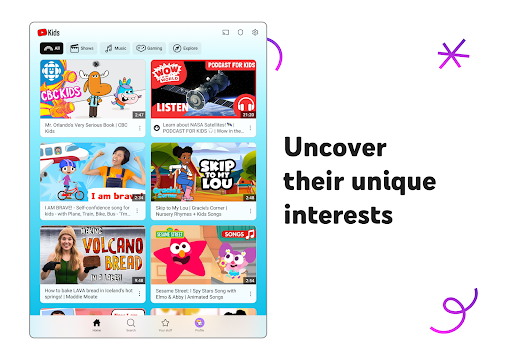
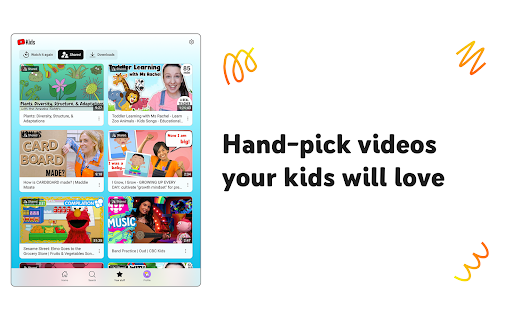
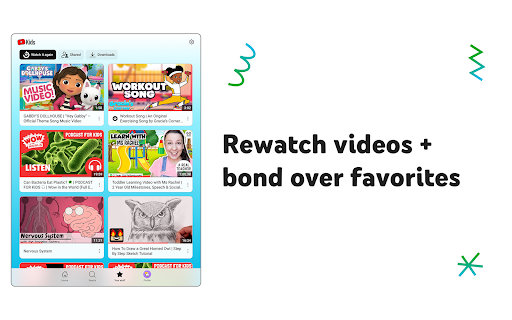
Download YouTube Kids
You are going to be redirected to the official website to finish the download when you click the button below.
About YouTube Kids
YouTube Kids is a specially designed entertainment mobile app that offers a safe and engaging space for children to explore age-appropriate videos and interactive content. As a popular Android app, it provides a user-friendly experience for both parents and kids, with features that promote safe browsing and easy navigation. Its primary purpose is to deliver an enjoyable and learning-focused app experience tailored for young audiences.
Overview
Core Features
- The app features a kid-friendly interface with simple navigation tailored for young users.
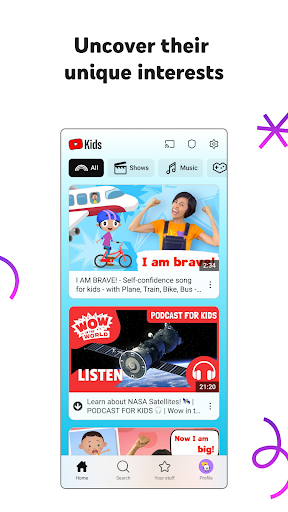
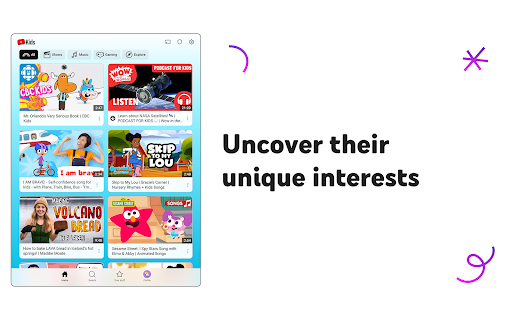
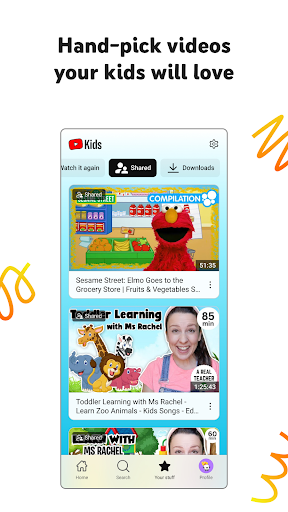
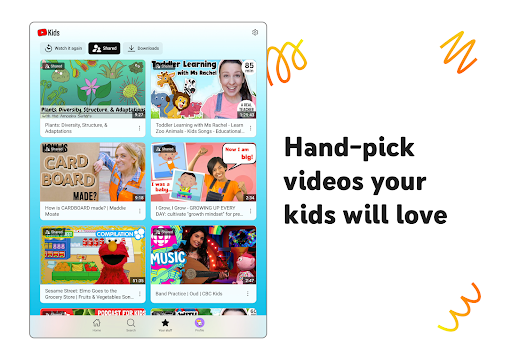
- Includes a vast library of age-appropriate videos filtered by content categories for easy browsing.
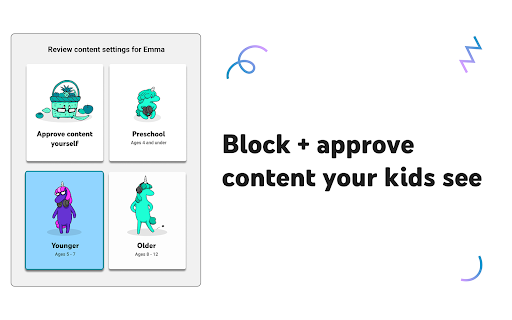
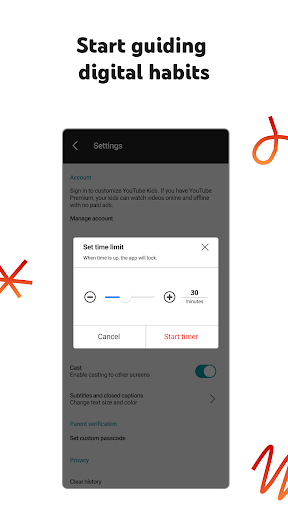
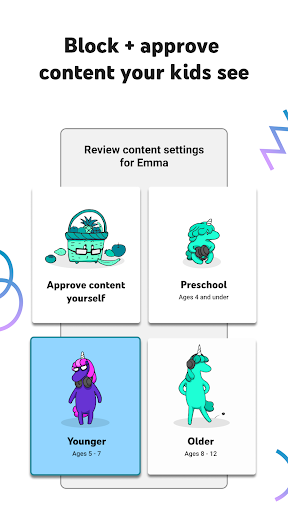
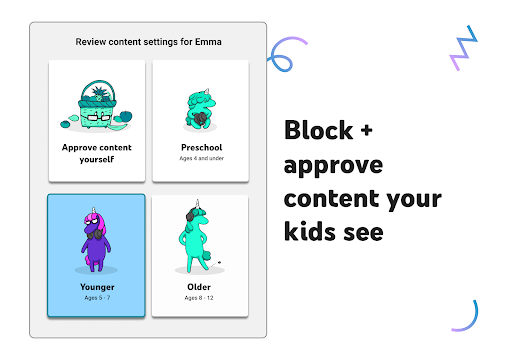
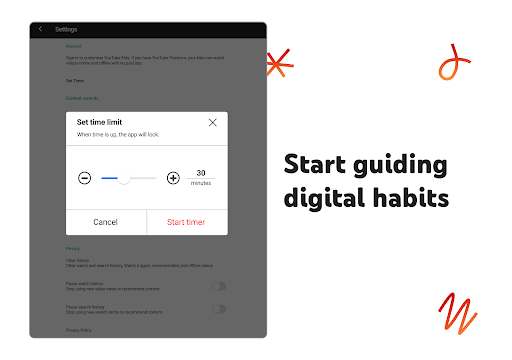
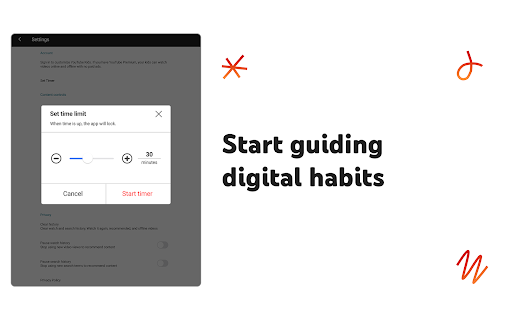
- Parental controls allow caregivers to set screen time limits and approve content, ensuring a safe app experience.
- The app offers a search function designed for children, making it simple to find favorite videos quickly.
- Offline mode is available, so kids can watch videos without an internet connection, suitable for travel or limited connectivity.
- Regular updates bring new app features and content, maintaining engagement and safety standards.
Who This App Is For
This mobile app is perfect for parents, teachers, or caregivers seeking a safe entertainment option for children aged 3 to 8.
It serves as an app-based solution for kids who enjoy learning and playing via videos, providing a controlled environment for young viewers and peace of mind for adults managing screen time.
Why Choose This App
This Android app offers a trusted platform with curated content and parental controls, making it stand out among entertainment apps for kids.
Its user-friendly app features and robust safety measures ensure an engaging app experience, giving families a reliable and safe launcher app for children's entertainment.
Features
Safe and Educational Video Platform for Kids
Engaging Content Curated for Young Viewers
- Enable customized child profiles for tailored content
- Offer diverse video categories to match kids' interests
- Support offline downloads for uninterrupted viewing
- Provide parental controls to ensure safe environment
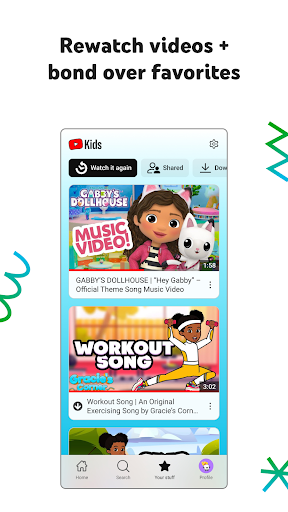
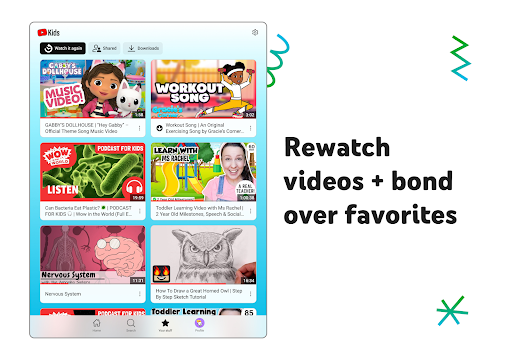
- Include a "Watch it Again" feature for family bonding
- Offer age-appropriate content filters for growth support
- Facilitate easy navigation through colorful interface
- Allow bookmarking favorite videos for quick access
Pros
- +Age-appropriate content filteringYouTube Kids offers robust filtering to ensure children view suitable videos, reducing exposure to inappropriate material.
- +User-friendly interface for childrenThe app's colorful design and simple navigation make it easy for young children to explore independently.
- +Parental controls and customizationParents can set time limits, approve videos, and customize content to fit their child's needs.
- +Wide variety of educational videosIt provides a vast selection of educational content that promotes learning and development.
- +Ad-free or limited advertising experienceThe app minimizes exposure to commercial content, providing a safer viewing environment for kids.
Cons
- -Limited content diversity in some categoriesCertain niche topics or newer educational channels may be underrepresented, impacting content variety.medium
- -Occasional exposure to algorithm-suggested videos not fully suitableDespite filters, some recommended videos might occasionally be inappropriate, but updates are expected to improve accuracy.high
- -In-app purchase prompts and ads outside main contentSome ads or prompts may appear, which parents can block or restrict through settings.medium
- -Dependence on internet connection for streamingOffline access is limited, which can be inconvenient in low-connectivity situations.low
- -Potential for screen time overuseWithout strict limits, children might spend excessive time on the app; parental controls help mitigate this.high
FAQ
Is YouTube Kids safe for children to use?
Yes, YouTube Kids is designed with safety as a top priority. The app features curated content and parental controls that help parents manage what their children can see and do, making it a trustworthy choice for young users.
It offers a dedicated app experience that filters out inappropriate content, providing a safe environment for children to explore videos. As an entertainment-focused mobile app, it is widely used by parents seeking an app-based solution for safe viewing.
How do I set up and log into YouTube Kids?
Getting started with the YouTube Kids Android app involves creating a Google account and setting up parental controls. The app provides a straightforward setup process that guides you through customizing content and settings.
Once set up, you can easily log in using your child's profile, ensuring they have a tailored app experience. This makes the app a convenient launcher app for safe entertainment and learning for children while giving parents peace of mind.
What features make YouTube Kids a good choice for children?
The app features include a simplified interface, curated videos, and parental controls that enhance the app experience for young viewers. These features help parents monitor and control the content their children access.
The app also offers a range of videos suitable for kids and a personalized profile system. As an entertainment app, it's a popular app-based solution for providing children with engaging and safe content on mobile devices.
Is YouTube Kids available on both Android and iOS devices?
Yes, YouTube Kids is available on both Android devices and iPhones through the Google Play Store and Apple App Store. This availability ensures children can enjoy the app experience on most popular smartphones and tablets.
The app provides a consistent experience regardless of the platform, making it an excellent choice for families with multiple devices. It's an app-based solution that extends entertainment options across different operating systems.
Can I customize the content my child can view in YouTube Kids?
Absolutely. The app features parental controls allowing you to set content restrictions based on age, topics, or specific channels. These options give you full control over your child's app experience.
This customization helps ensure that your child only access suitable videos, making YouTube Kids an effective launcher app for safe entertainment and education on a mobile app platform.
Are there any safety concerns or risks associated with YouTube Kids?
While YouTube Kids has robust safety features, no app can guarantee complete security. It's important for parents to actively use the app's parental controls and supervise your child's app experience.
By understanding these safety features, you can reduce risks and help ensure your child's interaction with the app remains positive and appropriate for their age.
How frequently is content updated in YouTube Kids?
The app features new videos regularly as part of its app features, ensuring a fresh and engaging app experience for children. Content updates are curated to maintain safety and relevance, aligning with the app's focus on child-friendly entertainment.
This dynamic update process makes YouTube Kids a popular app-based solution for parents who want their kids to enjoy current and varied content on their mobile devices.
Is YouTube Kids considered an educational app?
While primarily designed for entertainment, YouTube Kids also features educational content suitable for children. Many videos focus on learning topics, stories, and activities that enhance the app's educational value.
As a trusted app for young users, it combines fun with learning, making it a valuable addition to any children's app collection for parents seeking an app experience that's both engaging and instructive.





