

SMS Backup & Restore
SMS Backup & Restore app for reliable SMS, call log backup and restore. Secure, easy, free to protect your messaging data today!
Screenshots
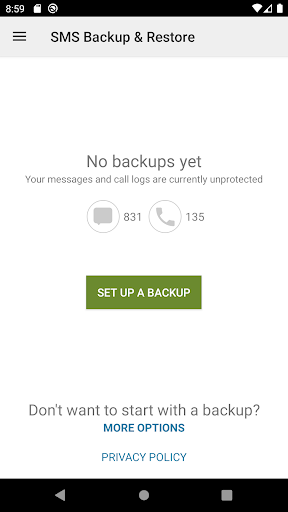
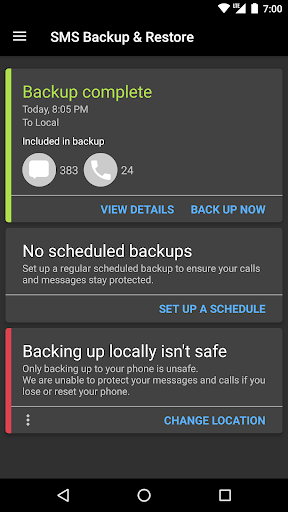
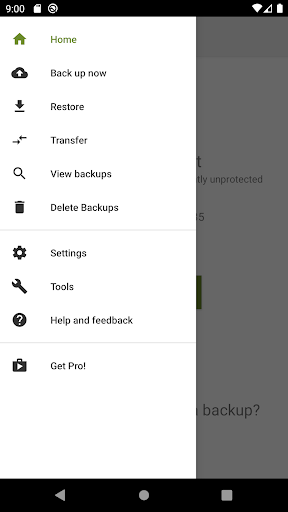
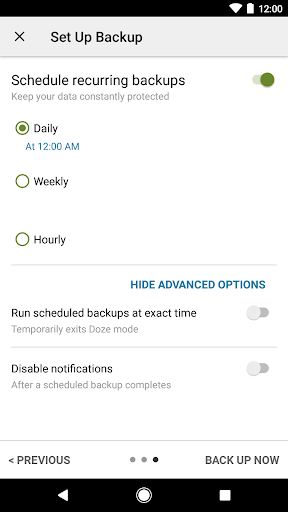
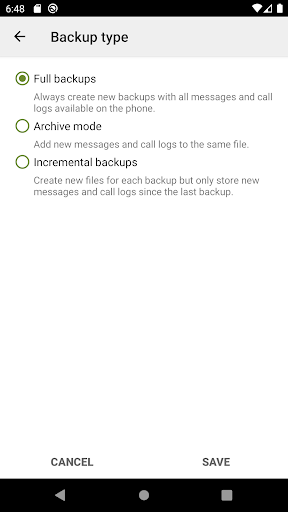
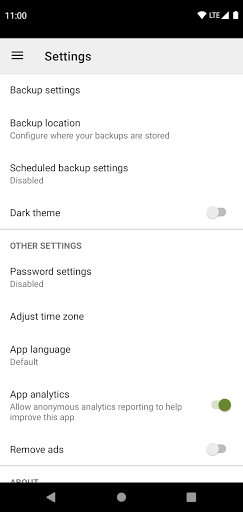
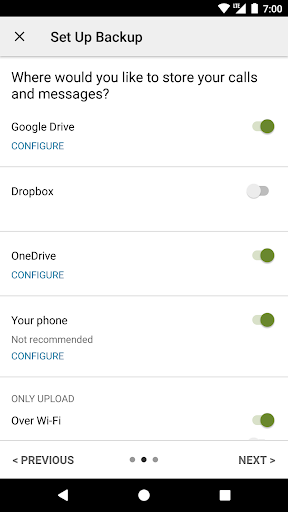
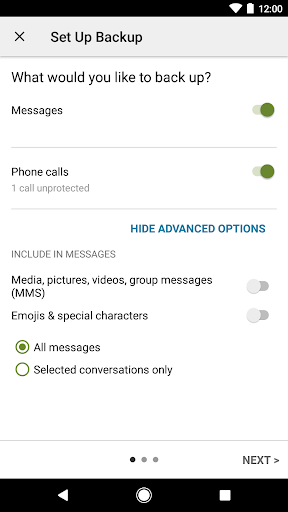
Download SMS Backup & Restore
You are going to be redirected to the official website to finish the download when you click the button below.
About SMS Backup & Restore
SMS Backup & Restore is a reliable mobile app designed to help users back up and restore their important SMS messages and call logs effortlessly. As an intuitive Android app, it provides a seamless app experience with features that allow you to safeguard your data and retrieve it when needed. This app-based solution is suitable for anyone looking to manage their messages securely on their mobile device.
Overview
Core Features
- Allows users to backup and restore SMS messages and call logs easily, ensuring data safety.
- Supports scheduled backups with customizable frequency to keep your data up-to-date automatically.
- Offers restore options to transfer messages between devices or recover after a factory reset.
- Provides a simple interface to view, manage, and export SMS and call history files.
- Includes options for local storage or cloud backups, giving flexibility for app features.
- Compatible with many Android devices, integrating smoothly with launcher apps for quick access.
Who This App Is For
This mobile app appeals to Android users who want a reliable way to safeguard their important messages and call logs. Designed for tech-savvy individuals and casual users alike, it provides an easy-to-use app experience that meets diverse needs.
Whether you're switching devices, recovering lost data, or managing contacts efficiently, this app-based solution simplifies backup and restore processes, making your digital life more organized and secure.
Why Choose This App
This Android app stands out thanks to its intuitive app features and robust backup options, ensuring your data is always protected. Its consistent app experience and reliable performance make it a top choice among launcher apps for managing SMS backups.
By offering flexible storage options and a straightforward interface, it effectively solves common user problems, making it a trusted tool for those seeking a dependable app-based solution for their messaging needs.
Features
Level 1: Easy backup and restore of messages
Level 2: Reliable data security and seamless device transition
Level 3:
- Backup SMS, MMS, and call logs automatically
- Upload backups to cloud services for safety
- Select specific conversations for backup and restore
- Transfer data quickly using WiFi direct technology
Level 4:
- Schedule automatic backups at convenient times
- View backup files on a computer online
Pros
- +Easy automated backupsThe app allows scheduled backups, reducing manual effort and ensuring data safety.
- +Wide compatibilitySupports various Android versions and backup formats, facilitating broad device usage.
- +User-friendly interfaceIntuitive design makes it accessible for users of all technical levels.
- +Selective backup optionsAllows users to choose specific data types like SMS, MMS, or call logs for backup.
- +Cloud integration supportEnables backups to cloud services like Google Drive or Dropbox for added security.
Cons
- -Limited free featuresSome advanced options require purchase, which may inconvenience casual users.low
- -Restore process can be slowRestoring large backups may take significant time; users can try restoring smaller segments to improve speed.medium
- -Occasional compatibility issues with newer Android versionsUpdates to Android might temporarily cause backup or restore failures; checking for app updates often helps.medium
- -Limited in-app file management featuresUsers need to manage backup files manually outside the app; future updates may introduce better file handling.low
- -Notification spam during automatic backupsSome users report frequent notifications; adjusting notification settings can mitigate this temporarily.low
FAQ
Is SMS Backup & Restore safe to use on my Android device?
Yes, SMS Backup & Restore is a reputable Android app widely used to back up and restore text messages and call logs. It prioritizes user privacy and security, following standard safety practices.
The app has undergone regular updates and security reviews, making it a trusted app based solution for managing your data securely. Always ensure you download apps from official stores to protect your device.
Can I restore backups to a new phone using this app?
Absolutely. SMS Backup & Restore makes it straightforward to transfer your messages and call logs to a new device. You can back up data on one device and restore it on another, ensuring a smooth app experience.
This app features a simple interface that guides you through restoring backups from cloud storage or local files, making Android device switching hassle-free for users.
Does SMS Backup & Restore work with all versions of Android?
Most recent versions of Android support SMS Backup & Restore, and the app is regularly updated to remain compatible. However, some older or heavily customized launcher apps might cause minor issues.
If you encounter problems, checking the app's support resources or updating your device to a newer Android version can help. It's designed as an app based solution that caters to a wide range of Android devices.
Is using this app safe for my personal messages?
Yes, SMS Backup & Restore handles your private data with care. It saves backups locally or securely in cloud storage options, and it does not share your information without your permission.
This app features robust security measures, making it a trustworthy app for managing sensitive message data safely, giving you peace of mind about your privacy.
What are the main features of SMS Backup & Restore?
This mobile app offers essential features like automated backups, manual save options, and restoring messages and call logs with ease. Its intuitive interface makes it a popular choice among Android users.
The app features include scheduled backups, backup to cloud services, and compatibility with various app-based solutions, providing a seamless app experience for managing your communication history.





