
Picshiner - AI Photo Editor
Picshiner - AI Photo & Video Editor for free. Unlock face swapping, AI avatars, virtual makeup, and more. Create stunning content effortlessly. now!
Screenshots
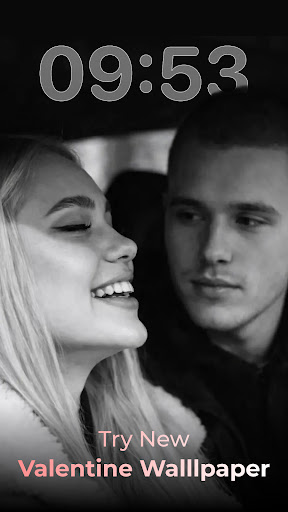


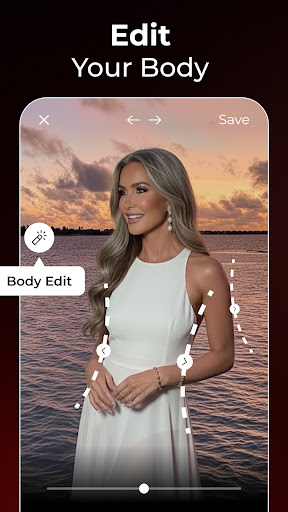
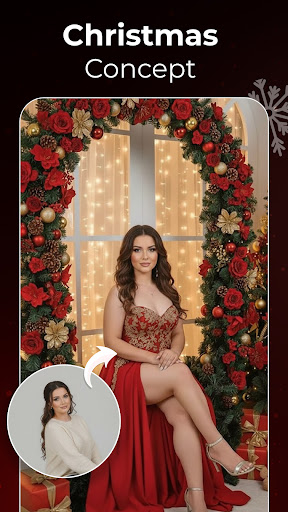

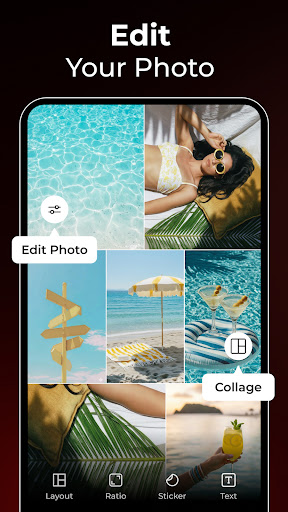
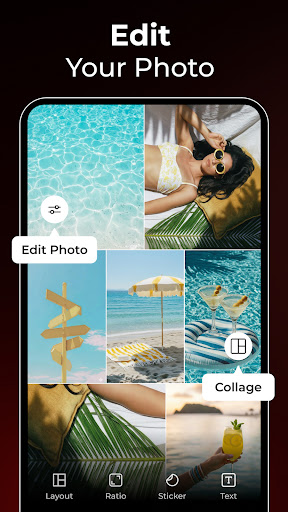



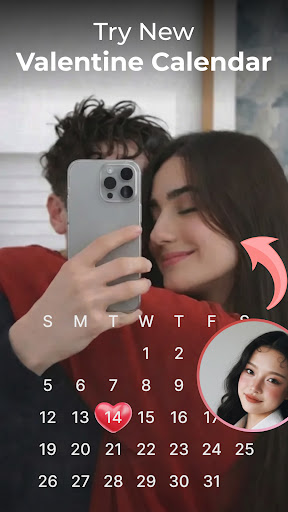

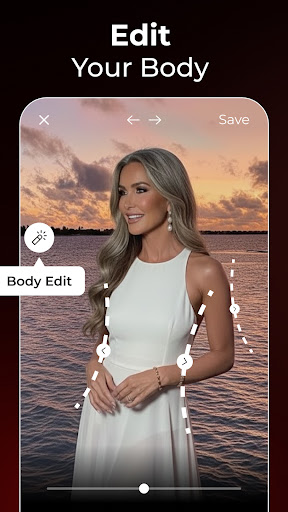
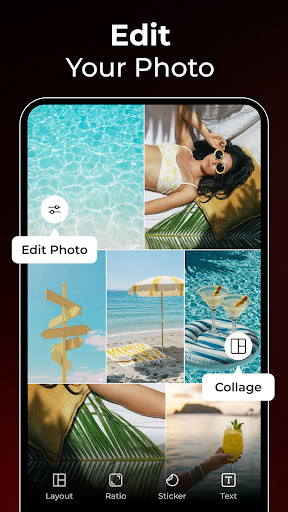
Download Picshiner - AI Photo Editor
You are going to be redirected to the official website to finish the download when you click the button below.
About Picshiner - AI Photo Editor
Picshiner - AI Photo Editor is a user-friendly mobile app designed to help you enhance and transform your photos effortlessly. Available as an Android app, it offers a range of powerful editing features that make creating stunning images simple and enjoyable. With its intuitive interface, users can enjoy a smooth app experience while exploring creative photo adjustments and filters.
Overview
Core Features
- The app features a user-friendly interface that makes editing photos quick and straightforward for all skill levels.
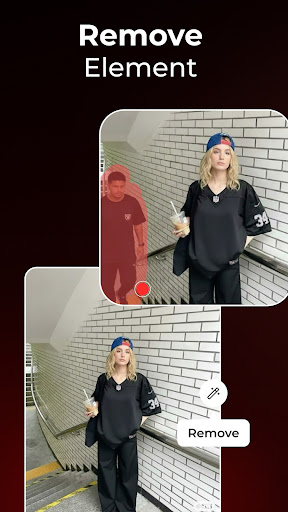
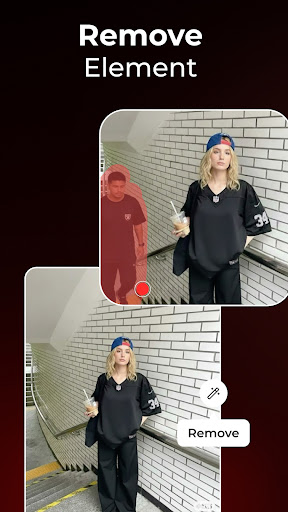
- Advanced AI-powered tools enable automatic enhancement, background removal, and beautification with just a tap.
- Offers a variety of filters, stickers, and effects to customize your images creatively within the app.
- Supports offline mode so users can edit photos anytime without needing an internet connection.
- Includes batch editing capabilities, allowing editing multiple photos efficiently in one session.
- Seamless integration with photo galleries and social media platforms enhances your app experience.
- Regular updates add new app features and improvements, ensuring a cutting-edge editing experience.
Who This App Is For
This mobile app is ideal for casual photo enthusiasts, social media users, and creative individuals aged 16 and above seeking easy-to-use editing tools.
Whether you're preparing images for personal projects, business branding, or simply exploring art & design, this app-based solution offers the perfect app experience to elevate your photos on your Android device.
Why Choose This App
This Android app stands out with its powerful AI-driven features and intuitive design, making photo editing accessible and fun for everyone.
It provides reliable app features that solve common editing challenges, offering a trusted app experience that users appreciate for speed, quality, and versatility.
Features
Enhanced visual creativity with AI editing tools
Realistic face and video transformations for engaging content
User-friendly interface for seamless photo customization
Personalized AI avatars for unique digital identities
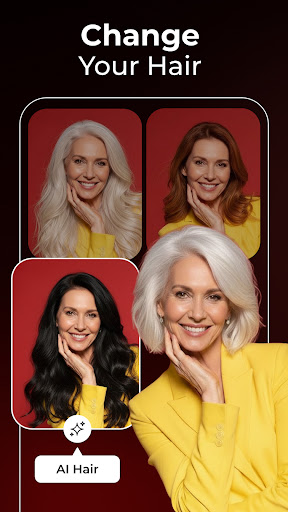
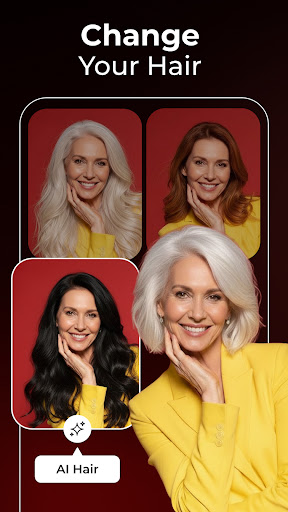
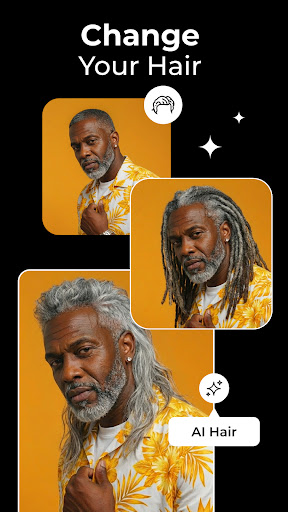
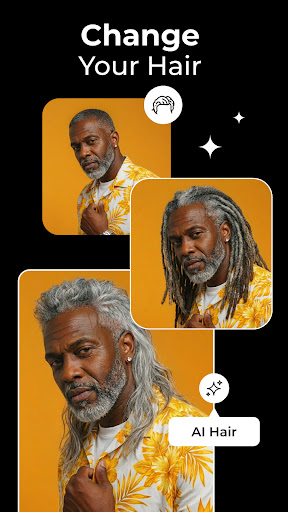
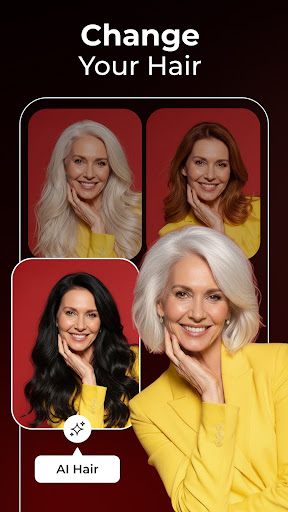
Virtual hairstyle and hair color experimentation
Natural-looking virtual makeup for perfect selfies
Fun future baby predictions for memorable sharing
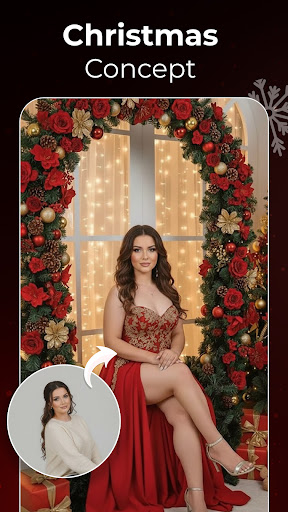
Versatile editing options for social media content
Pros
- +User-Friendly InterfaceThe app offers an intuitive design that makes photo editing accessible for all users.
- +AI-Driven EnhancementsAdvanced AI algorithms automatically improve photo quality with minimal effort.
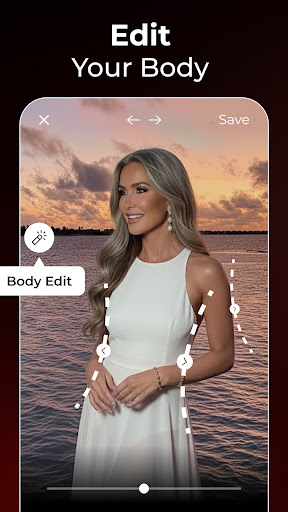
- +Wide Range of Editing ToolsIncludes features like background removal, skin smoothing, and artistic filters for versatile editing.
- +Real-Time PreviewProvides instant visual feedback, allowing users to see changes before applying.
- +Affordable Pricing OptionsOffers cost-effective subscription plans suitable for casual and professional users.
Cons
- -Limited Free FeaturesMany advanced tools are locked behind a premium subscription, which might frustrate free users.middle
- -Occasional AI ArtifactsSome AI enhancements can produce unnatural textures or ghosting effects, especially in complex images.middle
- -Slow Processing for High-Resolution ImagesProcessing large files can take longer than expected, which may cause delays.middle
- -Learning Curve for Advanced ToolsWhile basic features are straightforward, mastering all editing options may require tutorials.low
- -App Stability Issues on Older DevicesSome users report crashes or lag on devices with lower specifications, but updates are expected to improve this.low
FAQ
Is Picshiner - AI Photo Editor safe to use?
Yes, Picshiner is a reputable mobile app available on the Android platform that prioritizes user safety and privacy. It has undergone security checks to ensure your photos and data remain protected while using the app.
You can trust Picshiner's app-based solution for editing photos seamlessly without worrying about malware or data breaches. It's designed with user trust and security in mind, making it a reliable choice for your photo editing needs.
How do I install Picshiner - AI Photo Editor on my device?
To install this Android app, simply visit the Google Play Store and search for Picshiner - AI Photo Editor. The app is compatible with most Android devices, making installation straightforward.
Once you've found it, tap the install button, and within moments, the app will be ready to use. This process is typical for launcher apps and other creative tools, providing a smooth app experience from download to editing.
What are the main features of Picshiner - AI Photo Editor?
Picshiner offers a variety of app features designed to enhance your photos effortlessly. It includes AI-powered editing tools that improve image quality, apply creative filters, backgrounds, and adjustments with just a few taps.
These app features make the editing process simple, even for beginners, while offering advanced options for experienced users. Overall, it provides an intuitive app experience suited for both casual editing and more detailed art & design projects.
Can I use Picshiner - AI Photo Editor offline?
Yes, Picshiner is designed to work offline once installed on your Android device. You can edit photos at any time without needing an active internet connection, which is great for convenience and privacy.
This makes it a practical app-based solution for those who want quick edits on the go, whether you're traveling or in areas with limited connectivity.
Is Picshiner suitable for beginners and professional users?
Absolutely. Picshiner provides a user-friendly interface that appeals to beginners, offering easy-to-use tools and guided editing options. At the same time, it has advanced features enough to satisfy professional users interested in detailed art and design work.
Its app experience is crafted to be flexible, allowing you to experiment and create both simple enhancements and complex edits with confidence.





