

Photo Recovery, File Recovery
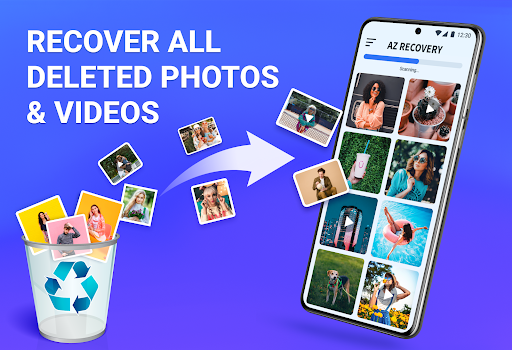
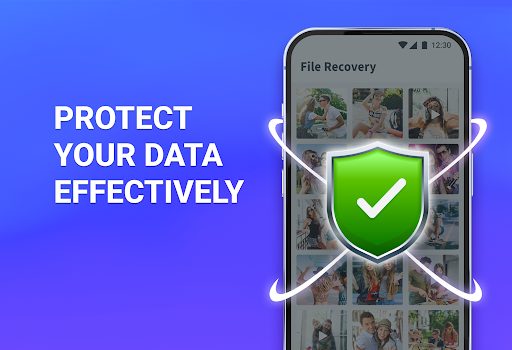
Recover deleted photos, videos, and files easily with Photo Recovery, File Recovery app. now for fast, secure, and reliable data restoration.
Screenshots
Download Photo Recovery, File Recovery
You are going to be redirected to the official website to finish the download when you click the button below.
About Photo Recovery, File Recovery
Photo Recovery, File Recovery is a reliable Android app designed to help users restore deleted photos and files effortlessly. As a user-friendly mobile app, it offers efficient recovery features that enhance your app experience by making data retrieval simple and quick. Whether you accidentally deleted files or need to recover important images, this app provides an effective app based solution tailored for Android devices.
Overview
Core Features
- The app features advanced photo and file recovery options, including recovering deleted files from internal memory and SD cards.
- It offers a user-friendly interface that simplifies the recovery process, making it accessible even for non-technical users.
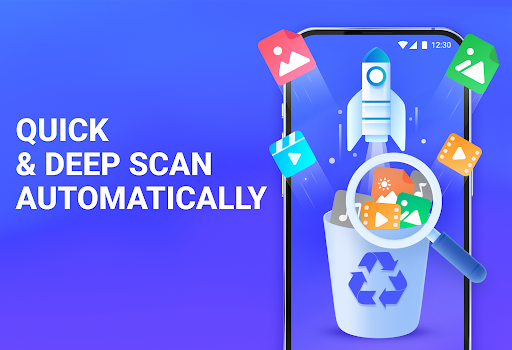
- Real-time scanning capabilities ensure quick detection of recoverable files without waiting lengthy periods.
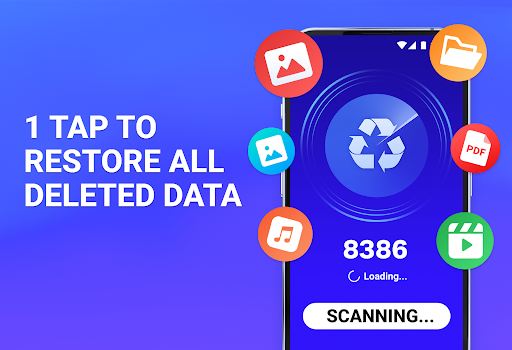
- Supports multiple file formats such as images, videos, and documents, covering a wide range of user needs.
- The app provides an offline mode option, allowing recovery without internet access for increased convenience.
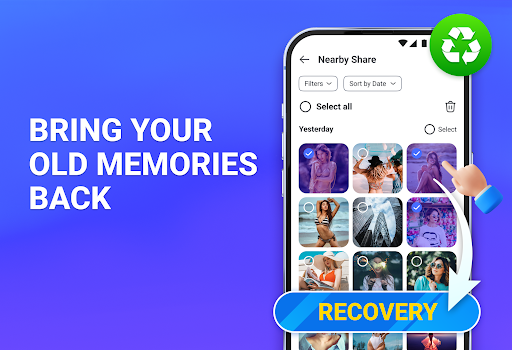
- It includes a built-in preview feature so users can verify files before restoring them, enhancing app experience.
- Designed as a lightweight launcher app, it works seamlessly alongside other tools on your Android device.
Who This App Is For
This mobile app is ideal for Android users who frequently delete important files or accidentally lose data. It suits individuals of all ages who want a reliable app-based solution for data recovery.
Whether you're a student, professional, or parent, this app caters to those needing quick file restoration in everyday scenarios, ensuring your device's app experience remains uninterrupted.
Why Choose This App
This Android app stands out with its straightforward interface and efficient recovery features, making data retrieval simple and stress-free. Its app features are designed to deliver fast and accurate results.
By offering a comprehensive app experience and supporting various recovery situations, this app-based solution helps users regain lost files reliably, setting it apart from other options in the market.
Features
Reliable Data Recovery Tool with User-Friendly Interface
Powerful Scanning for Quick and Deep Data Search
Efficient Photo and Video Restoration Capabilities
Supports Recovery from Internal and External Storage
Preview Function to Select Files Before Restoration
Broader Support for Multiple File Types
Secure Deletion for Privacy Protection
Versatile Tool for Casual and Professional Users
Pros
- +Effective File RecoverySupports a wide range of file types including photos, videos, and documents, ensuring comprehensive recovery options.
- +User-Friendly InterfaceSimple design with clear steps makes it accessible for both novices and tech enthusiasts.
- +Preview Before RecoveryAllows users to preview recoverable files, saving time and avoiding unnecessary recovery.
- +Deep Scan CapabilitiesUtilizes advanced algorithms to locate files even after accidental deletion or formatting.
- +Supports Multiple Storage DevicesCompatible with various storage mediums such as SD cards, USB drives, and internal drives.
Cons
- -Slow Scanning ProcessDeep scans can take considerable time, especially for large drives; running in background or pausing can help mitigate this.medium
- -Limited Free VersionThe free version offers only partial recovery features; upgrading may be necessary for full functionality.medium
- -May Recover Duplicate FilesSometimes recovers duplicate copies of files, requiring manual sorting to identify the latest versions.low
- -Initial Setup Requires InternetSome features and updates may need internet connection, which could be inconvenient in offline scenarios.low
- -Limited Support for Extremely Damaged FilesFiles severely corrupted or overwritten may not be recoverable; using backups can reduce this issue.high
FAQ
Is the Photo Recovery, File Recovery app safe to use on my device?
Yes, the Photo Recovery, File Recovery app is designed with user safety in mind. It does not contain malware or intrusive permissions, making it a trustworthy choice for recovering deleted files.
Make sure to download it from official app stores, and always review app permissions before installation. The app provides a secure, app-based solution for restoring your precious photos and files without risking your device's security.
How do I install the Photo Recovery, File Recovery Android app?
Installing this mobile app on your Android device is straightforward. Simply find the app on the Google Play Store using its official link, then tap the install button. The app features include scanning your device for deleted files quickly and reliably.
Once installed, you can easily navigate its user-friendly interface to start recovering photos or other files. It's designed to offer a smooth app experience with minimal setup required for effective results.
Can I recover deleted files from my Android device using this app?
Absolutely. The Photo Recovery, File Recovery app offers an effective app-based solution for restoring deleted photos, videos, and files from your Android device. Its key app features include deep scanning and quick previews of recoverable data.
For Android users, this launcher app provides an intuitive way to recover files without complex procedures. It's suitable for anyone looking for a reliable app experience in data recovery.
Does the app work on all Android versions, and are there any compatibility issues?
The app is compatible with most recent versions of Android, ensuring a broad user base can benefit from its features. It is optimized to work smoothly across various devices without the need for rooting.
However, for the best app experience, make sure your device runs an Android version supported by the app, typically Android 6.0 and above. This app-based solution is designed to be reliable and easy to use no matter your device model.
Are there any privacy concerns when using this app?
Privacy is a big priority for the developers of the Photo Recovery, File Recovery app. It collects only the necessary permissions to scan and recover deleted files and does not share your data with third parties.
Using this trusted app on your device ensures that your personal files stay private, providing peace of mind while you recover your important photos or documents. Always review permissions before use to confirm your privacy preferences.