Offline Maps - Route Planner

Offline Maps - Route Planner

Maps & Navigation1.4.3
4.1

Download Offline Maps - Route Planner, the ultimate navigation app with offline maps, route planning, and location sharing. Get it now for free and explore confidently!

Screenshots

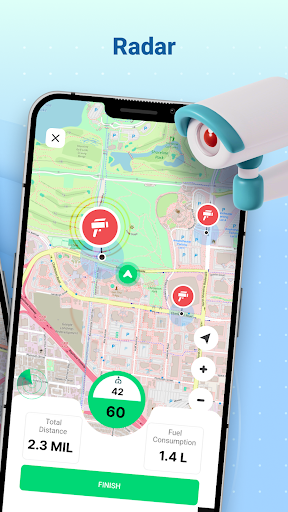
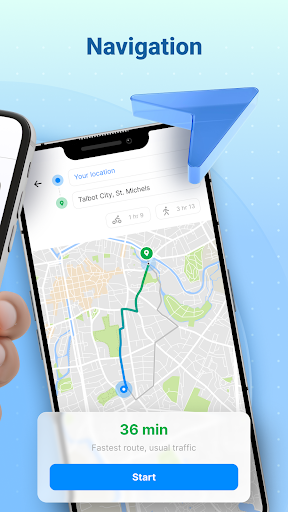
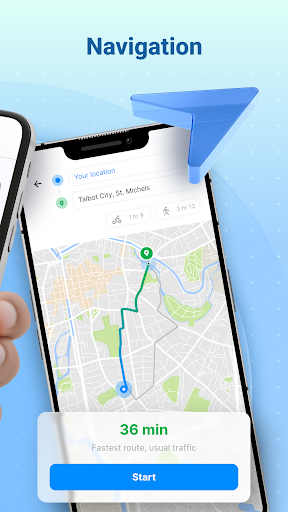
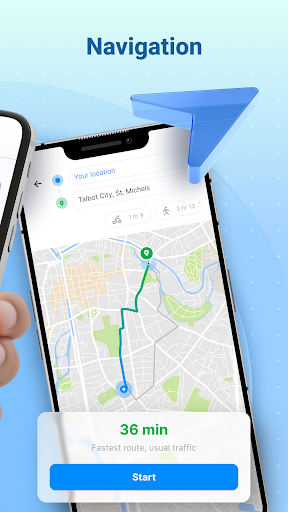
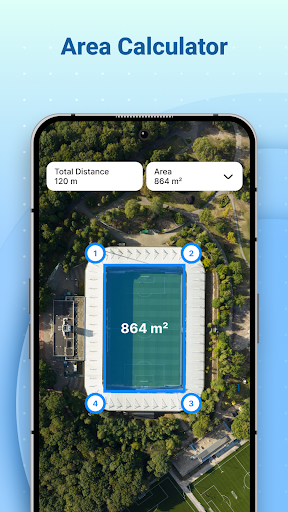
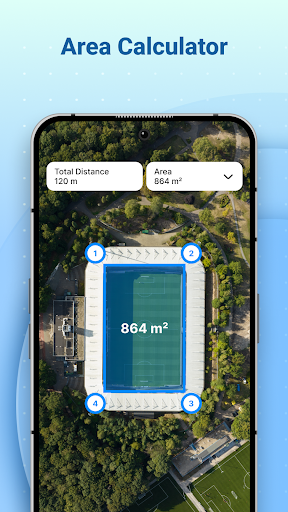
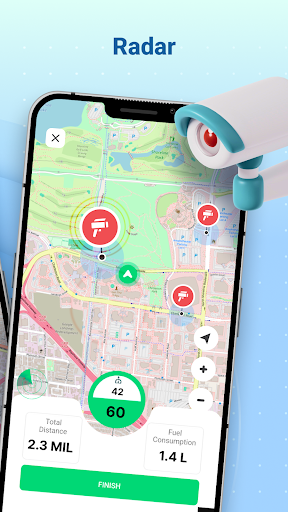
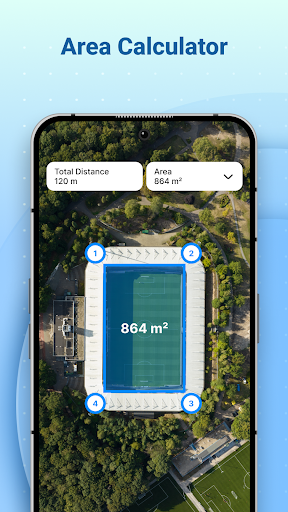
Offline Maps - Route Planner Screenshot 1Offline Maps - Route Planner Screenshot 2Offline Maps - Route Planner Screenshot 3Offline Maps - Route Planner Screenshot 4Offline Maps - Route Planner Screenshot 5Offline Maps - Route Planner Screenshot 6Offline Maps - Route Planner Screenshot 7Offline Maps - Route Planner Screenshot 8Offline Maps - Route Planner Screenshot 9Offline Maps - Route Planner Screenshot 10Offline Maps - Route Planner Screenshot 11Offline Maps - Route Planner Screenshot 12Offline Maps - Route Planner Screenshot 13Offline Maps - Route Planner Screenshot 14Offline Maps - Route Planner Screenshot 15Offline Maps - Route Planner Screenshot 16Offline Maps - Route Planner Screenshot 17Offline Maps - Route Planner Screenshot 18Offline Maps - Route Planner Screenshot 19Offline Maps - Route Planner Screenshot 20Offline Maps - Route Planner Screenshot 21Offline Maps - Route Planner Screenshot 22Offline Maps - Route Planner Screenshot 23Offline Maps - Route Planner Screenshot 24Offline Maps - Route Planner Screenshot 25Offline Maps - Route Planner Screenshot 26Offline Maps - Route Planner Screenshot 27Offline Maps - Route Planner Screenshot 28Offline Maps - Route Planner Screenshot 29Offline Maps - Route Planner Screenshot 30Offline Maps - Route Planner Screenshot 31Offline Maps - Route Planner Screenshot 32

Download Offline Maps - Route Planner

You are going to be redirected to the official website to finish the download when you click the button below.

About Offline Maps - Route Planner

Offline Maps - Route Planner is a reliable Android app designed to help users navigate without an internet connection. It offers detailed offline maps and efficient route planning, making it an essential app-based solution for travelers and commuters seeking seamless navigation experiences across different regions.

Overview

Core Features

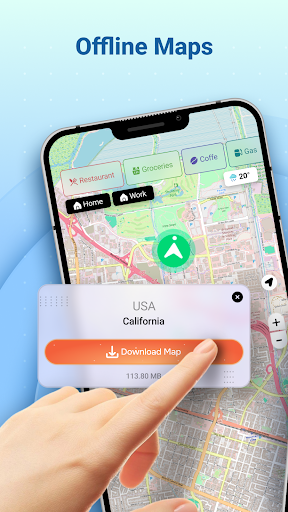
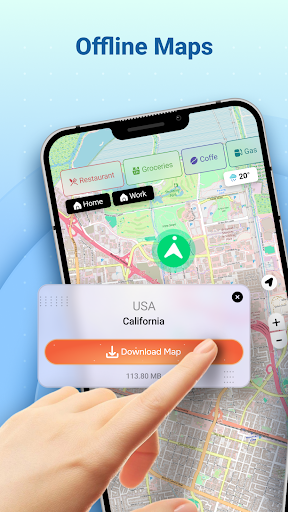
  • Comprehensive offline maps that allow users to navigate without an internet connection, ideal for remote areas.
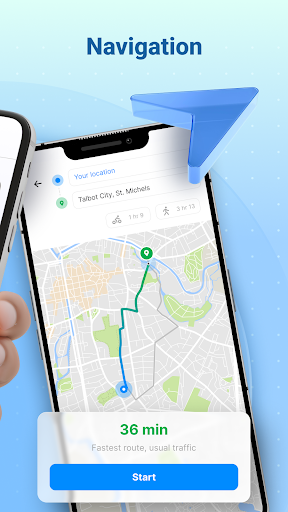
  • Route planning with real-time traffic updates to help find the fastest and most efficient paths.
  • App features include customizable map styles and easy route saving for quick access later.
  • Navigation alerts such as voice guidance and turn-by-turn directions improve app experience during trips.
  • Supports multiple map layers and points of interest, making it a versatile launcher app for travelers.
  • Seamless sync capabilities ensure your routes and preferences are saved across devices.
  • Designed to be user-friendly, with an intuitive interface suitable for all skill levels.

Who This App Is For

This mobile app is perfect for travelers, outdoor enthusiasts, and drivers who need reliable offline navigation. It benefits those who often venture into areas with weak or no internet signal and prefer an easy-to-use Android app for navigation.

Whether commuting daily or exploring new territories, users can rely on this app based solution to provide accurate maps and route details. It's especially useful for backpackers, adventurers, and anyone looking for a trustworthy app experience outside urban centers.

Why Choose This App

This Android app stands out with its strong focus on offline functionality and user-friendly features, making navigation simple and accessible. Its combination of app features ensures users get real-time information and offline maps in one package.

Choosing this app means investing in a dependable app-based solution that effectively addresses common navigation challenges, helping users stay on track while enjoying a smooth and trustworthy app experience.

Features

Offline Maps - Route Planner provides reliable navigation anytime, anywhere

Offline Maps - Route Planner offers complete independence from internet connectivity

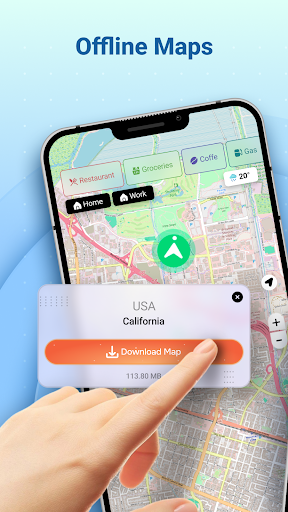
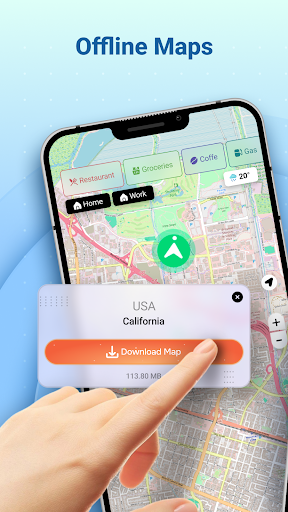
Downloadable detailed maps for remote exploration

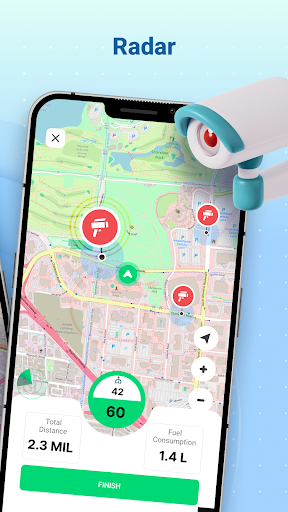
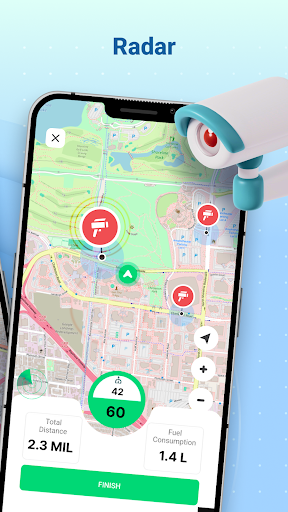
Real-time speed monitoring for safe driving experience

Voice-guided navigation for effortless route following

Location sharing to enhance safety and communication

Nearby points of interest for convenient stops and amenities

Compass feature to determine directions outdoors

Pros

  • +
    Intuitive Offline Navigation
    The app provides seamless offline routing without requiring constant internet access, ideal for remote areas.
  • +
    Extensive Map Coverage
    Offline maps cover a wide geographical area, including rural and less popular routes.
  • +
    Detailed Route Planning
    Provides multiple route options with estimated times, helping users choose the fastest or most scenic path.
  • +
    User-Friendly Interface
    Clean layout and easy-to-use controls make navigation straightforward even for new users.
  • +
    Customizable Map Features
    Allows users to add markers, landmarks, and notes for personalized trip planning.

Cons

  • -
    Limited Real-Time Traffic Updates
    The app doesn't provide live traffic conditions, which could affect route choices during peak hours.
    medium
  • -
    Map Data Size is Large
    Offline maps can be quite large, potentially consuming significant storage space on devices.
    low
  • -
    Potential Slow Loading of Map Tiles
    Users might experience delays in map rendering with older or slower devices.
    low
  • -
    Limited Public Transit Information
    Focuses mainly on driving and walking routes, with minimal support for public transportation planning.
    low
  • -
    Requires Manual Map Downloading
    Users need to proactively download maps for offline use, which could be inconvenient for spontaneous trips.
    medium

FAQ

How do I install and set up Offline Maps - Route Planner on my device?

Installing this mobile app on your Android device is straightforward. Simply visit the Google Play Store link, tap the install button, and wait for the app to download. Once installed, open the app to start setting up your preferred offline maps and routes. The app features an intuitive interface that makes it easy to plan routes even without an internet connection. It is designed to work smoothly as a launcher app for navigation, providing you with quick access to maps and route planning features for your journeys.

Is Offline Maps - Route Planner safe to use and how is my data protected?

Yes, Offline Maps - Route Planner is considered a safe app to use. It comes from a trusted developer, and the app has been tested to meet high security standards. Your location data stays on your device unless you choose to share it, which ensures your privacy remains protected. This app-based solution prioritizes user privacy and data security, giving you confidence while navigating or planning routes offline. Recognized in the Maps & Navigation category, it provides a reliable experience without compromising your trust.

Can I use Offline Maps - Route Planner without an internet connection?

Absolutely! One of the main app features of Offline Maps - Route Planner is offline access. You can download maps for specific areas and plan routes without needing any internet connection. This makes it an ideal choice for areas with poor or no signal. Whether you're traveling abroad or exploring remote regions, this app-based solution ensures you stay connected to navigation tools. Its offline capabilities enhance your app experience by reducing reliance on mobile data and saving on data costs.

Does Offline Maps - Route Planner support multiple languages and navigation modes?

Yes, the app features multiple language options to cater to users worldwide, making it accessible for non-English speakers. It offers various navigation modes, like walking, driving, or biking, so you can choose the best option for your trip. These comprehensive app features contribute to an improved app experience, whether you're using it as a navigation launcher app or just planning routes. The versatility in language and modes of travel makes it a practical tool for different users.

How frequently is Offline Maps - Route Planner updated, and what support is available?

The developer regularly updates Offline Maps - Route Planner to improve performance, fix bugs, and add new features to enhance your app experience. Updates help ensure the app remains reliable and secure as a trusted app-based solution. Support is available through the app's help section or developer contact links, ensuring users can get assistance whenever needed. This ongoing support and improvement reflect the app's commitment to providing a dependable navigation tool for all users.

Recommended

More →