MiXplorer Silver File Manager

MiXplorer Silver File Manager

Productivity6.70.3-Silver
4

Download MiXplorer Silver File Manager, the ultimate file explorer with extensive format support and cloud integration. Get the latest version now for seamless file management!

Screenshots
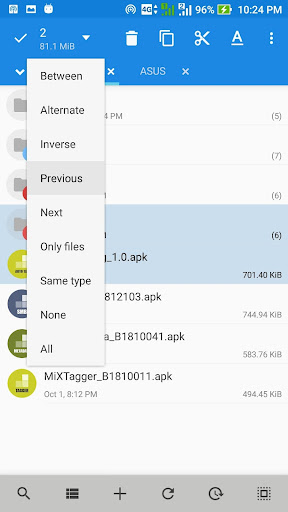
MiXplorer Silver File Manager Screenshot 1MiXplorer Silver File Manager Screenshot 2MiXplorer Silver File Manager Screenshot 3MiXplorer Silver File Manager Screenshot 4MiXplorer Silver File Manager Screenshot 5MiXplorer Silver File Manager Screenshot 6MiXplorer Silver File Manager Screenshot 7MiXplorer Silver File Manager Screenshot 8MiXplorer Silver File Manager Screenshot 9MiXplorer Silver File Manager Screenshot 10MiXplorer Silver File Manager Screenshot 11MiXplorer Silver File Manager Screenshot 12MiXplorer Silver File Manager Screenshot 13MiXplorer Silver File Manager Screenshot 14MiXplorer Silver File Manager Screenshot 15MiXplorer Silver File Manager Screenshot 16MiXplorer Silver File Manager Screenshot 17MiXplorer Silver File Manager Screenshot 18MiXplorer Silver File Manager Screenshot 19MiXplorer Silver File Manager Screenshot 20

Download MiXplorer Silver File Manager

You are going to be redirected to the official website to finish the download when you click the button below.

About MiXplorer Silver File Manager

MiXplorer Silver File Manager is a versatile Android app designed to help users organize, access, and manage their files effortlessly. As a reliable mobile app for productivity, it offers a user-friendly interface and extensive features that enhance the overall app experience. Whether you need to browse, edit, or share files, this app provides a comprehensive app based solution for your file management needs.

Overview

Core Features

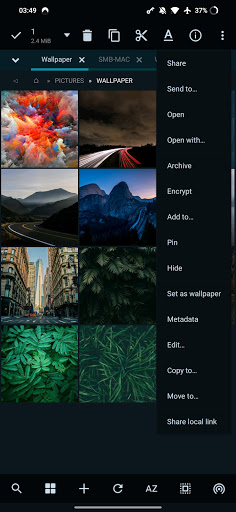
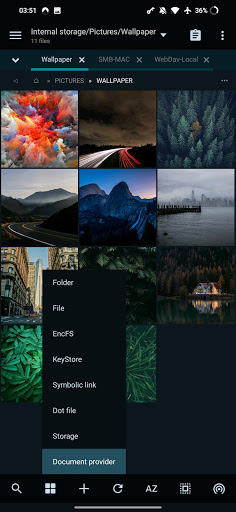
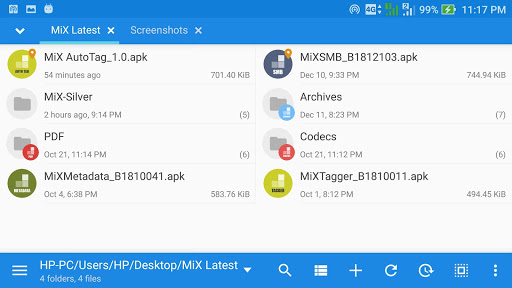
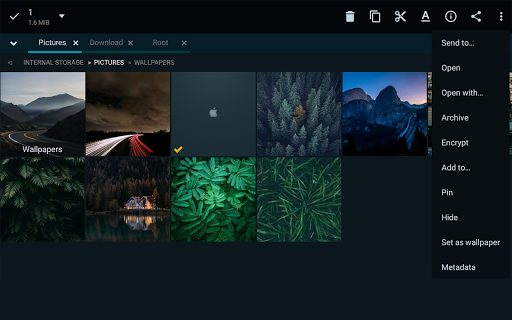
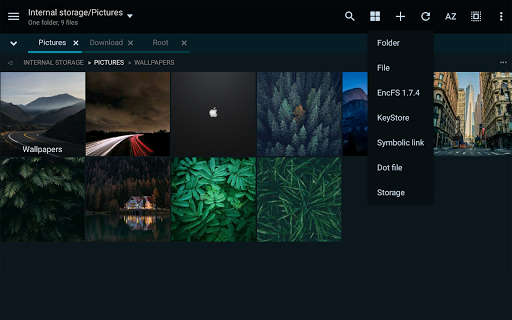
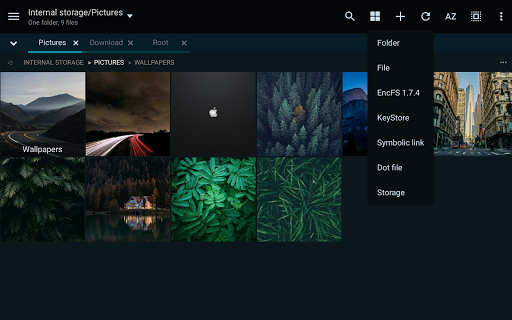
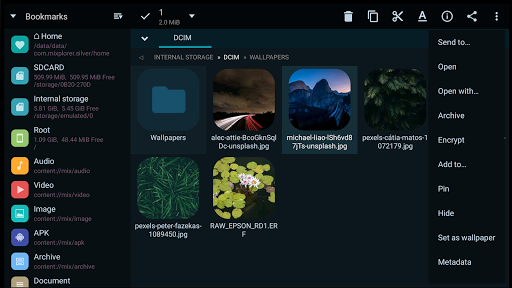
  • The app features a powerful multi-tab interface, making file management quick and easy on Android devices.
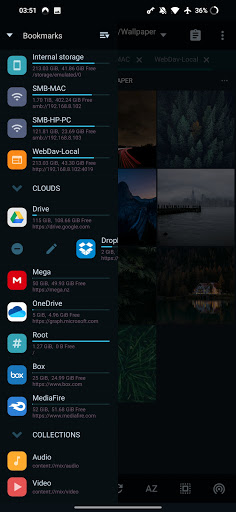
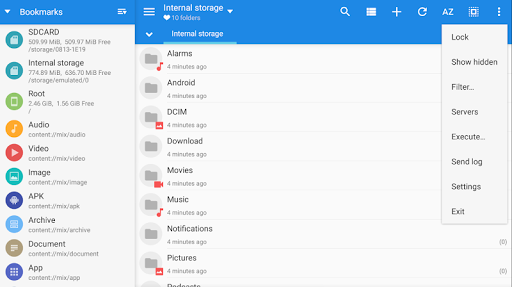
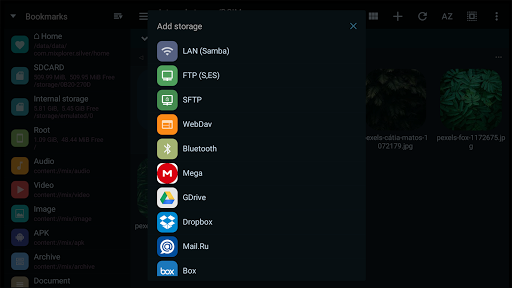
  • Support for cloud storage services allows seamless file syncing and access across different platforms.
  • Built-in media viewer and editor enable users to preview and modify files without switching apps.
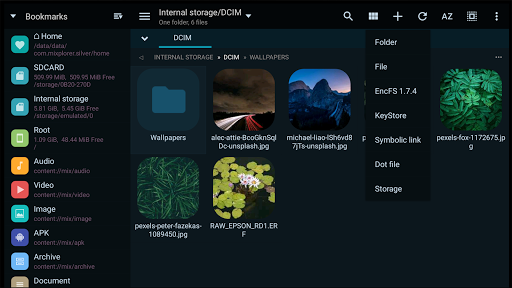
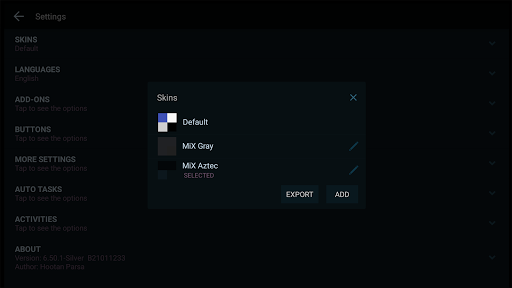
  • Customizable interface options give users control over layouts, themes, and navigation to suit their preferences.
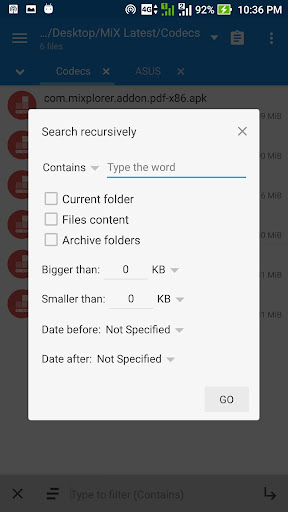
  • Advanced file search and sorting options help locate files swiftly, boosting productivity with app features.
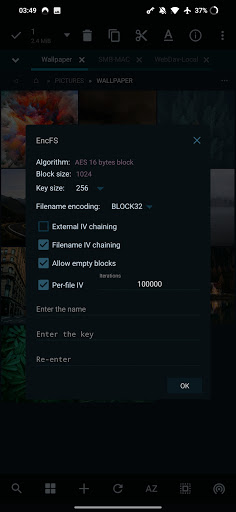
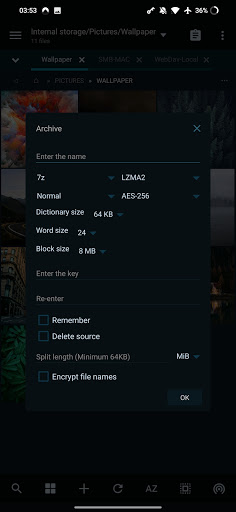
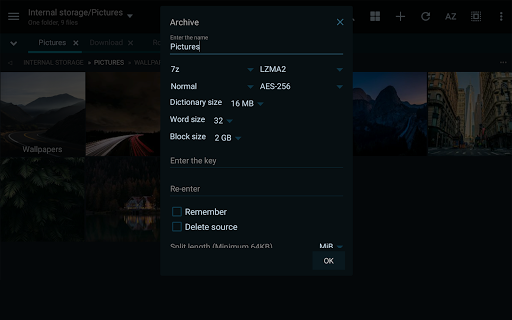
  • Secure file encryption and password protection ensure your data remains private and trustworthy.
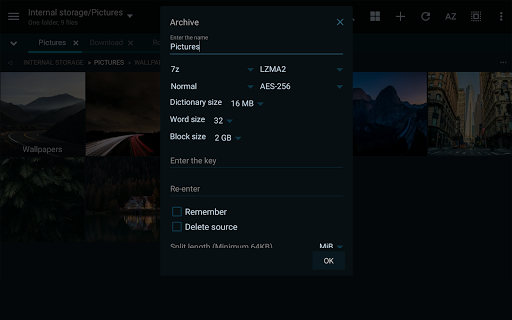
  • Support for compressed files like ZIP and RAR simplifies unzipping or creating archives directly within the app.

Who This App Is For

This mobile app is ideal for tech-savvy individuals, professionals, and Android enthusiasts who need reliable file management on their devices.

Whether you're managing personal data or handling large project files, this app-based solution enhances your app experience by offering efficient organization and quick access to files in various scenarios.

Why Choose This App

This Android app stands out because of its comprehensive app features tailored for productivity and ease of use. It provides an app experience that simplifies complex tasks with intuitive tools.

Designed to solve common file management problems, it offers a trustworthy and versatile app-based solution that meets the needs of everyday users and power users alike, making it a top choice among launcher apps and file managers.

Features

1. Easy-to-use interface for quick file navigation

2. Seamless cloud storage access for file backups

3. Supports multiple file formats for versatile management

4. Custom themes and appearance for personalized experience

5. Efficient file handling with fast performance

6. Secure file encryption for protecting data

7. Remote server management for advanced workflows

8. Built-in document viewers for smooth content access

Pros

  • +
    Intuitive and customizable interface
    MiXplorer Silver offers a clean, user-friendly layout with extensive customization options to suit different user preferences.
  • +
    Supports an array of file formats and cloud services
    It seamlessly integrates with various cloud storage providers like Google Drive, Dropbox, and OneDrive, enhancing flexibility.
  • +
    Powerful file management functionalities
    Features such as multi-tab browsing, batch operations, and built-in archiving significantly boost productivity.
  • +
    Robust security options
    Allows setting app lock, encryption, and permissions to safeguard your files effectively.
  • +
    Regular updates and active community support
    Frequent updates improve stability and add new features, while community forums offer helpful tips.

Cons

  • -
    Steep learning curve for new users
    The extensive features may overwhelm beginners, but tutorials and documentation are improving in future updates.
    medium
  • -
    Limited help documentation
    Official support resources could be more detailed; users may need to rely on community forums for specific issues.
    low
  • -
    Some features require manual configuration
    Advanced settings like automation are not always intuitive to set up but could be streamlined in later versions.
    medium
  • -
    Official app may have occasional stability issues
    Minor crashes or bugs are possible, though updates tend to resolve these promptly.
    low
  • -
    No default built-in file viewer for certain formats
    Users might need third-party apps to open specialized files; future updates may integrate more formats.
    low

FAQ

Is MiXplorer Silver File Manager safe to use on my device?

Yes, MiXplorer Silver File Manager is considered a safe mobile app when downloaded from trusted sources like the Google Play Store. It's developed by a reputable team dedicated to user security. Ensuring your device is protected by security updates and only installing from official sources helps maintain a safe app experience. Always review app permissions to stay confident in your choices.

How do I install MiXplorer Silver File Manager on my Android device?

Installing this Android app is straightforward. You can find it on the Google Play Store by searching for MiXplorer Silver File Manager. Once located, tap ‘Install' and wait for the process to complete. The app features include an intuitive interface and powerful file management tools that work smoothly on most Android devices, making it an excellent choice for organizing your files.

What are the main app features of MiXplorer Silver File Manager?

This app offers a variety of features, including dual-pane browsing, customizable themes, cloud storage support, and advanced file operations. Its intuitive design enhances the overall app experience. Whether you're managing documents, media, or app data, MiXplorer provides efficient solutions, making it a solid choice for those seeking a comprehensive file management app on their Android device.

Can I use MiXplorer Silver File Manager as a launcher app?

MiXplorer Silver File Manager is primarily a file manager app, not a launcher app. However, it integrates seamlessly with Android's existing launcher, allowing quick access to your files. If you want a launcher app with file management capabilities, you might need a dedicated launcher app, but MiXplorer excels at providing an enhanced app-based file management experience.

Does MiXplorer Silver File Manager support different versions and updates?

Yes, the app receives regular updates that introduce new features and improve security. It supports various Android versions, ensuring that most users can enjoy its capabilities. Keeping the app updated guarantees you get the latest app features and an optimal app experience, which is vital for managing your files efficiently on your mobile device.

Is MiXplorer Silver File Manager suitable for professional or business use?

Absolutely. With its robust app features, including support for cloud services and extensive file operations, it's well-suited for professional environments. By providing an app-based solution that simplifies file management, MiXplorer helps users stay organized and productive using their Android devices.

What makes MiXplorer Silver File Manager stand out among other file managers?

Its intuitive design and powerful app features set it apart. The app provides a highly customizable interface and supports multiple cloud services, making it versatile for various users. Plus, with its focus on app experience, MiXplorer delivers reliable performance and security, earning user trust for comprehensive and safe file management on Android devices.

Where can I find more information or support for MiXplorer Silver File Manager?

You can explore detailed details, updates, and user guidance on the Google Play Store listing or official forums dedicated to MIxplorer. These resources offer trustworthy info to help you make the most of this app-based solution. Engaging with community and official sources ensures you're getting accurate information about your app experience and the latest app features for managing files more effectively.

Recommended

More →