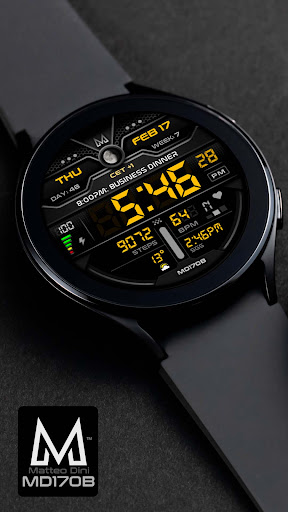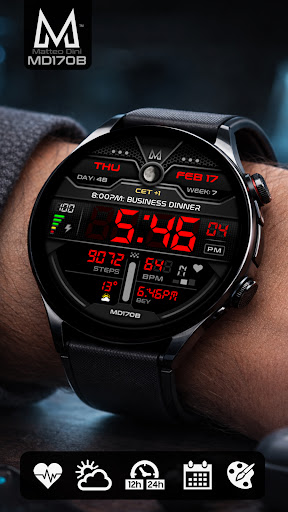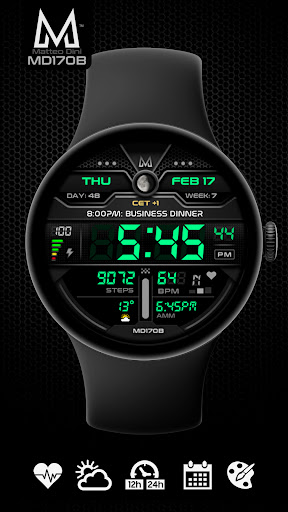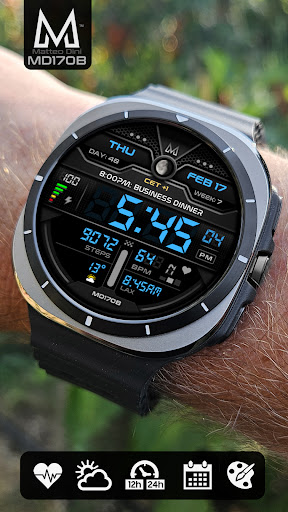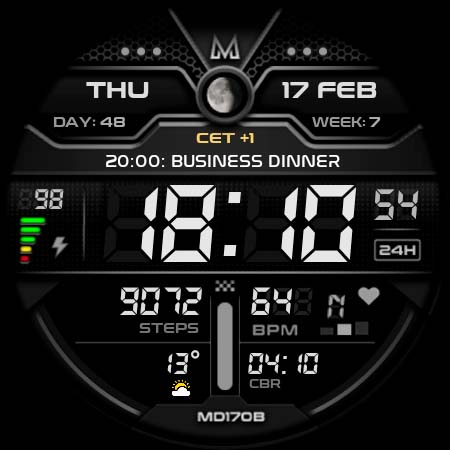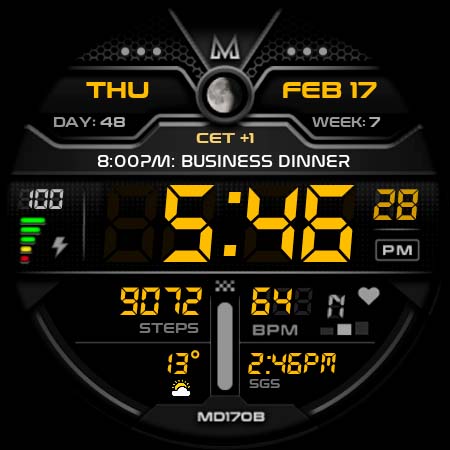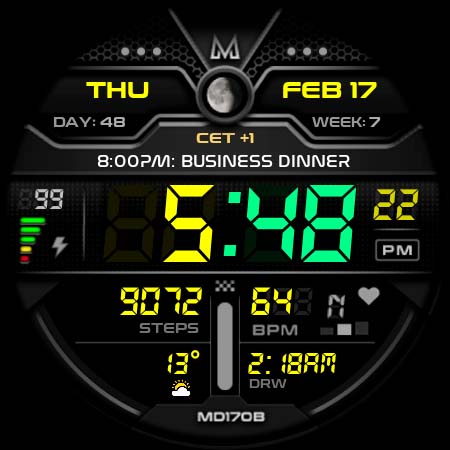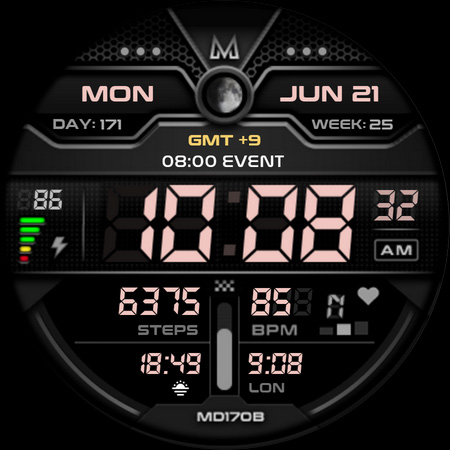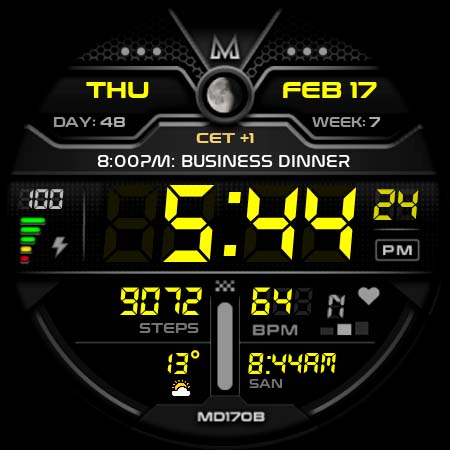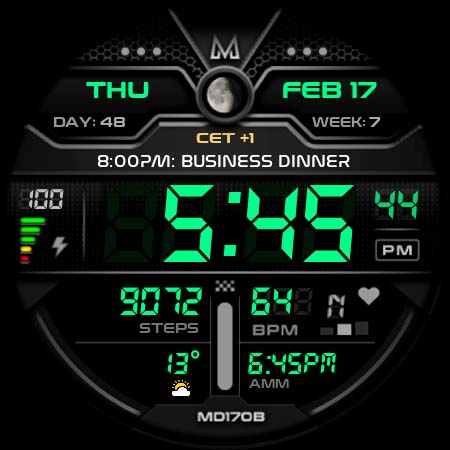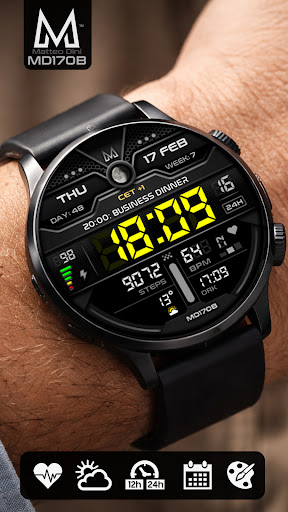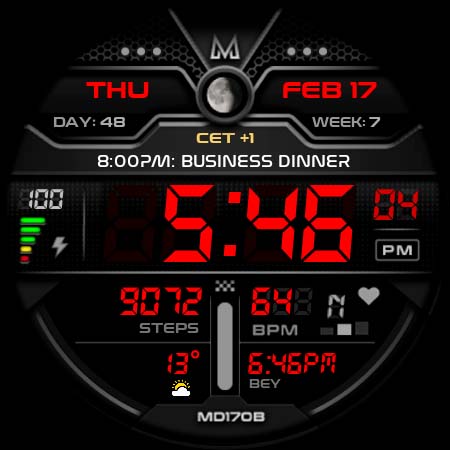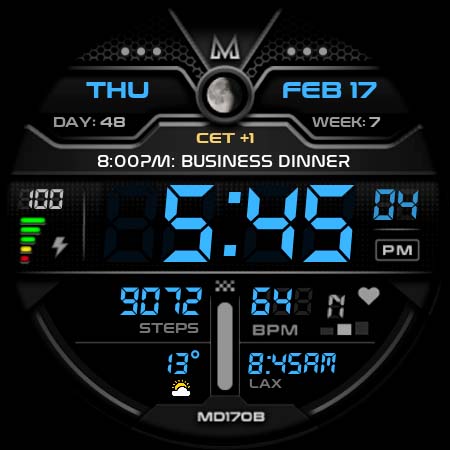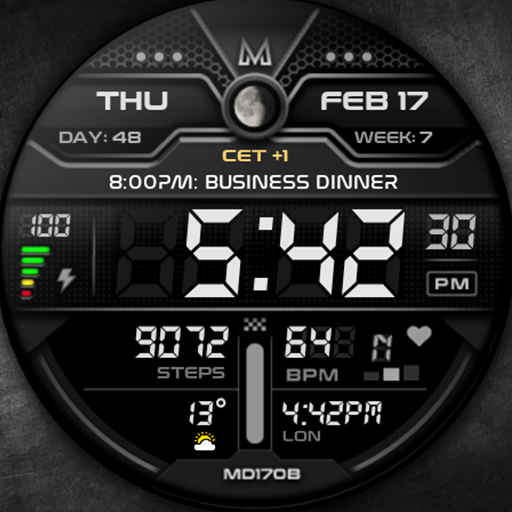
MD170B Digital watch face

MD170B Digital watch face

PersonalisationVaries with device
4.6

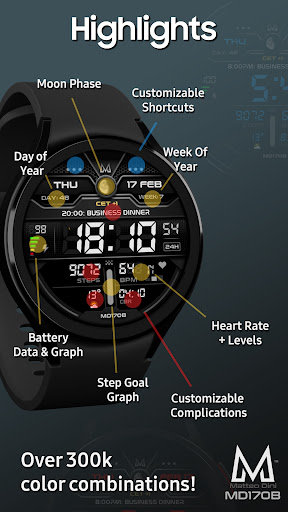
Explore the MD170B Digital Watch Face for Wear OS – customizable, stylish, with key data like steps and heart rate. now for enhanced smartwatch experience!

Screenshots
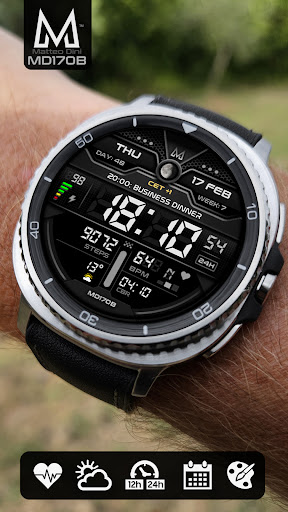
MD170B Digital watch face Screenshot 1MD170B Digital watch face Screenshot 2MD170B Digital watch face Screenshot 3MD170B Digital watch face Screenshot 4MD170B Digital watch face Screenshot 5MD170B Digital watch face Screenshot 6MD170B Digital watch face Screenshot 7MD170B Digital watch face Screenshot 8MD170B Digital watch face Screenshot 9MD170B Digital watch face Screenshot 10MD170B Digital watch face Screenshot 11MD170B Digital watch face Screenshot 12MD170B Digital watch face Screenshot 13MD170B Digital watch face Screenshot 14MD170B Digital watch face Screenshot 15

Download MD170B Digital watch face

You are going to be redirected to the official website to finish the download when you click the button below.

About MD170B Digital watch face

The MD170B Digital watch face is a versatile Android app designed to customize your smartwatch display with clear and modern digital clock layouts. This app provides a seamless app experience, allowing users to personalize their watch face easily and efficiently, making it an essential app-based solution for enhancing your wearable device's appearance and functionality.

Overview

Core Features

  • Customizable watch faces that allow users to personalize their device's appearance easily.
  • High-quality digital display with clear, easy-to-read time and date information.
  • Multiple app features including different styles, themes, and color options for a tailored experience.
  • Easy integration with Android devices, ensuring seamless app experience across different models and screen sizes.
  • Battery-efficient design that maintains performance without draining device resources.
  • Compatibility with launcher apps to enhance customization capabilities and overall user satisfaction.
  • Real-time updates and clock synchronization for accurate timekeeping at all times.
  • Ad-free experience providing users with smooth and distraction-free usage of this mobile app.

Who This App Is For

This digital watch face app is perfect for tech enthusiasts, Android users, and anyone who enjoys customizing their device's look. It appeals to users who appreciate personalized app features and smooth app experience on their smartphones.

Whether you're looking to enhance your daily routine or find a stylish app-based solution to keep your device looking fresh, this app is suitable for all ages and lifestyles. It's especially useful for users seeking digital watch faces integrated with their favorite launcher app environments.

Why Choose This App

This Android app offers a versatile and reliable app experience with its rich app features, making it a standout choice among digital watch face apps. It provides an intuitive and customizable interface that meets user needs perfectly.

By focusing on quality and user satisfaction, this app-based solution ensures that users get a tailored, efficient, and trustworthy digital watch face experience, setting it apart from others in the market. It truly combines style with functionality for daily use.

Features

High-Quality Customizable Wear OS Watch Face

Enhanced Personalization for Unique Style

• Quick access preset app shortcuts for convenience

• Extensive complication options for vital data display

• Easy touch-and-hold customization process for user control

• Visual tweaks including colors and fonts for aesthetic appeal

• Minimalist design for clear and quick readability

• Compatible with popular Wear OS devices and versions

• Always-On Display to keep information visible constantly

• Supports diverse scenarios with versatile data integration

Pros

  • +
    Customizable watch face layout
    Users can easily personalize their watch display with various styles and complications.
  • +
    High-quality graphics and clear fonts
    Provides a crisp and aesthetically pleasing visual experience on different device screens.
  • +
    Intuitive user interface for setup and customization
    Allows quick adjustments without a steep learning curve, suitable for all users.
  • +
    Battery-efficient design
    Optimized to consume minimal power, extending watch battery life during regular use.
  • +
    Wide compatibility with various smartwatch models
    Supports a broad range of devices, ensuring accessibility for many users.

Cons

  • -
    Limited free customization options
    Some advanced features and watch face styles require in-app purchase; users might need to upgrade for full experience.
    medium
  • -
    Occasional lag during customization
    Switching between different styles or complications can sometimes cause brief delays; a future update may improve responsiveness.
    low
  • -
    Weather widget accuracy varies
    The built-in weather feature may not always reflect real-time conditions; users can manually update or use external data sources.
    low
  • -
    Limited animation effects
    Animations are minimal and may not appeal to users seeking dynamic visuals; official updates could expand customization options.
    low
  • -
    Initial setup can be slightly complex for beginners
    Some users may require a brief tutorial to fully utilize all features; clearer onboarding instructions are expected in future versions.
    medium

FAQ

Is the MD170B Digital watch face app safe to use on my Android device?

Yes, the MD170B Digital watch face is a trusted mobile app available on the Google Play Store. It has been carefully developed to ensure user safety and privacy, conforming to standard Android app safety guidelines. You can install it with confidence, knowing that the app undergoes regular security checks. Developers behind the app prioritize user security and data protection, and the app has received positive feedback from users. Always ensure you download apps from reputable sources like the Google Play Store to maintain a secure app experience and keep your device protected.

How do I install the MD170B Digital watch face app on my Android device?

Installing the MD170B Digital watch face app is straightforward. Simply visit its app page on the Google Play Store through your device. You'll find the app under the category of watch face or customization tools, making it easy to locate. Once you find the app, tap on the 'Install' button, and it will download and set up automatically. This Android app is designed to work smoothly with compatible smartwatch devices, providing you with a seamless app experience.

Does the MD170B Digital watch face app support different smartwatch models?

Yes, the MD170B Digital watch face app is compatible with a variety of smartwatch models that support custom watch faces. It is primarily designed for Android-based smartwatch devices, allowing users to personalize their screens with stylish, functional designs. Compatibility may vary depending on your device's manufacturer and software version. For the best app experience, check your smartwatch's specifications and ensure it supports custom launcher apps or watch face apps like MD170B.

What features does the MD170B Digital watch face app offer?

The app features include a sleek digital display with customizable options, such as changing colors, fonts, and layout styles. It offers real-time time updates and can display additional data like battery status and date, enhancing your app experience. Designed with user convenience in mind, the app combines aesthetic appeal with functional app features, making it a popular choice for both casual users and those seeking a more personalized watch face for their Android device.

Can I personalize the MD170B Digital watch face to suit my style?

Absolutely. The app offers a range of customization options, allowing you to change colors, fonts, and layout styles easily. These app features let you create a digital watch face that matches your personal taste and style preferences. Personalization is a big part of the app experience, and it helps you make your smartwatch truly your own. Whether you prefer a minimalist look or a more vibrant display, the MD170B Digital watch face app has features to tailor your device's appearance.

Is there an app-based solution for managing notifications or alarms using MD170B Digital watch face?

While the MD170B Digital watch face focuses mainly on customizing the watch's appearance, it integrates well with your smartwatch's core app features like notifications and alarms. It enhances the overall app experience by providing a stylish display but does not handle notification management directly. For a more comprehensive app-based solution, you'll want to pair the watch face with a compatible smartwatch app that offers notification and alarm controls. This ensures you get the best of both worlds—visual customization and functional app features.

How often is the MD170B Digital watch face app updated to improve the app experience?

The developers regularly update the MD170B Digital watch face to add new features, improve performance, and fix bugs. Keeping the app up-to-date enhances your app experience and ensures compatibility with the latest smartwatch firmware. Checking for updates on the Google Play Store is simple and helps you access the newest app features as soon as they're available. Reliable updates demonstrate the developer's commitment to maintaining a quality app that users can trust.

Recommended

More →