
KineMaster - Video Editor
KineMaster - Video Editor, the top mobile app for professional video editing. Enjoy powerful features, AI tools, and templates. Get it now for free!
Screenshots
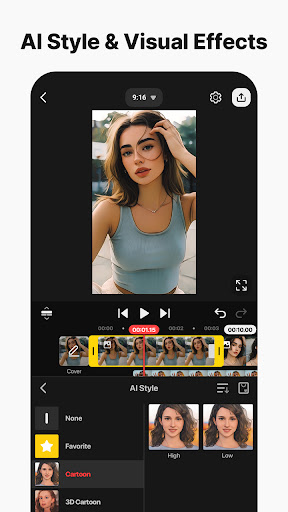
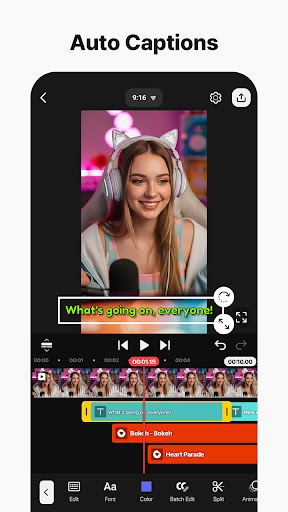
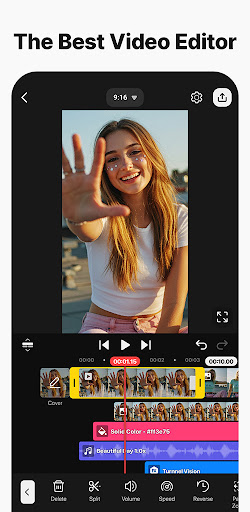
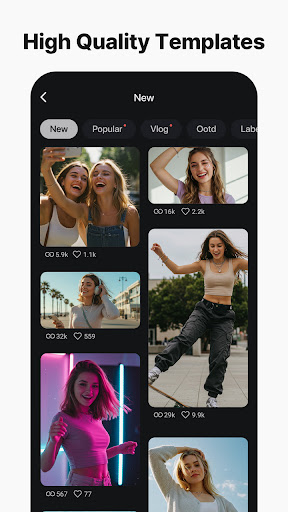
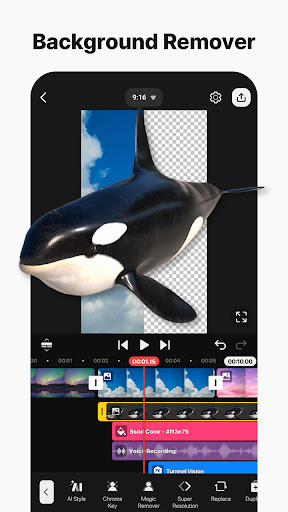
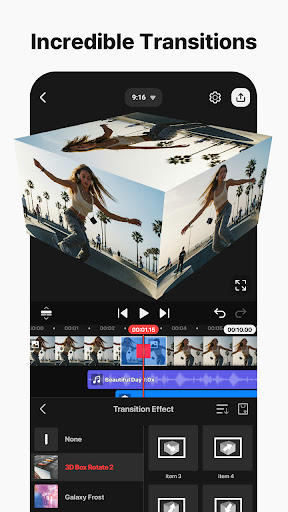
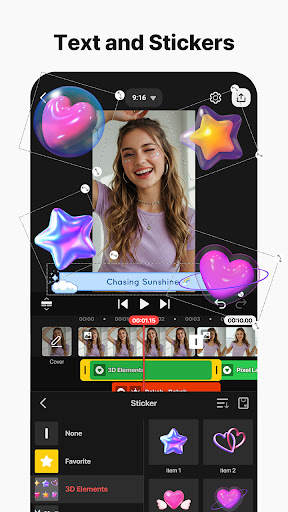
Download KineMaster - Video Editor
You are going to be redirected to the official website to finish the download when you click the button below.
About KineMaster - Video Editor
KineMaster - Video Editor is a versatile mobile app designed for quick and professional video editing on your smartphone. This Android app offers a wide range of app features, including multiple layers of video, audio, effects, and transitions, making it an excellent choice for content creators and hobbyists alike. With its intuitive interface, the app provides a seamless app experience, enabling users to produce high-quality videos with ease and confidence. Whether you're an experienced editor or just getting started, KineMaster delivers a reliable app based solution to bring your creative ideas to life.
Overview
Core Features
- The app features an intuitive timeline editor with drag-and-drop functionality for easy video trimming and splitting.
- Multiple layers support for overlaying images, videos, and text, enhancing creative possibilities within the app.
- The app offers a real-time preview function, allowing users to see edits immediately without exporting repeatedly.
- Advanced audio features include background music, voiceovers, and sound effects to enrich video content.
- Export options support various resolutions and aspect ratios, ensuring compatibility with different platforms and devices.
- The app includes a chroma key feature for green screen editing, useful for professional-looking videos.
- Built-in transitions and visual effects help users add polish and style to their videos efficiently.
Who This App Is For
This mobile app is ideal for content creators, social media influencers, and casual users seeking a powerful yet user-friendly video editor on Android devices.
Whether you're producing quick clips for social media or crafting more detailed projects, this app-based solution offers the tools needed for smooth editing experiences and creative expression.
Why Choose This App
This Android app stands out due to its comprehensive app features and user-friendly interface, making high-quality video editing accessible to everyone.
It delivers an app experience tailored for both amateurs and professionals, providing reliable performance and powerful editing tools that solve common limitations found in other launcher apps.
Features
1. User-friendly editing interface for creative videos
2. Powerful AI tools for effortless editing
3. Customizable templates for faster project creation
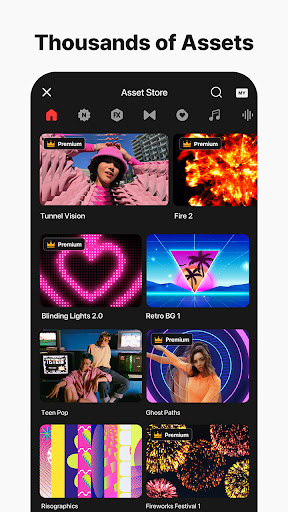
4. Asset store with effects and music libraries
5. High-resolution exports for professional quality
6. Precise timing controls for dynamic videos
7. Cloud backup ensures seamless project access
8. Intuitive tools for precise element alignment
Pros
- +User-Friendly InterfaceKineMaster offers an intuitive design that makes editing accessible even for beginners.
- +Rich Feature SetIncludes advanced tools such as multiple video layers, chroma key, and blending modes for professional-quality edits.
- +Real-Time PreviewAllows instant playback of edits, helping users refine their projects efficiently.
- +Multiple Export OptionsSupports various resolutions and formats, including 4K export, for versatile sharing.
- +Affordable Premium PlansOffers a cost-effective subscription model with significant features included, suitable for casual and semi-professional users.
Cons
- -Limited Free Version FeaturesSome advanced tools are locked behind a premium subscription, which may inconvenience free users.medium
- -Occasional App CrashesUsers report crashes during intensive edits, but updates often fix stability issues.high
- -Watermark on Free VersionEdited videos include a watermark unless users upgrade to the paid version.medium
- -Learning Curve for Advanced FeaturesComplex tools like chroma key may require tutorials or practice to master.low
- -Device Compatibility IssuesSome high-end features may not perform well on older or low-spec devices, but official updates aim to improve compatibility.medium





