
ibis Paint
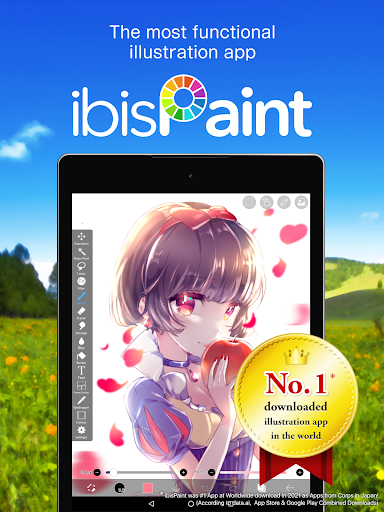
ibis Paint, the popular digital art app with 47,000+ brushes, advanced layers, and manga tools. Free and unleash your creativity today!
Screenshots
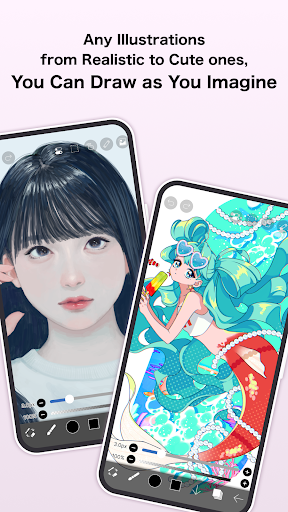
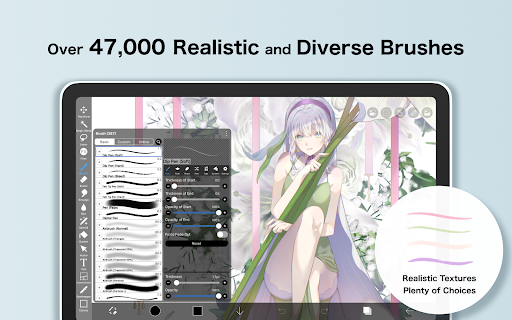
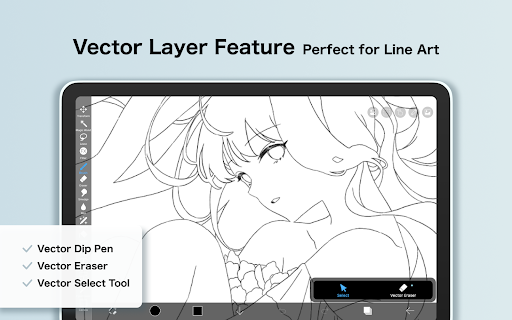
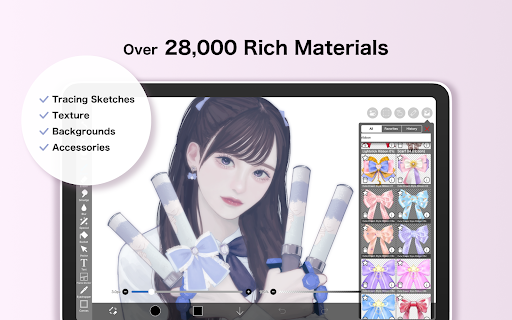
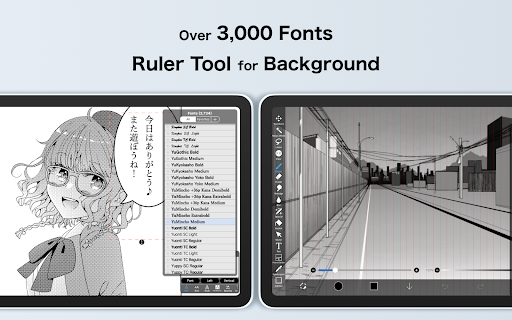
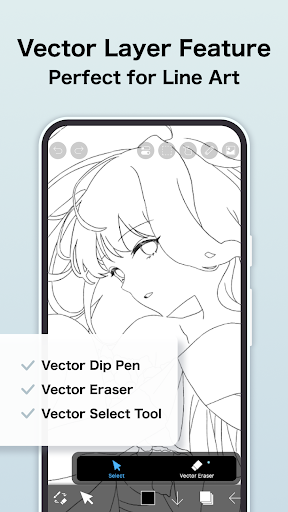
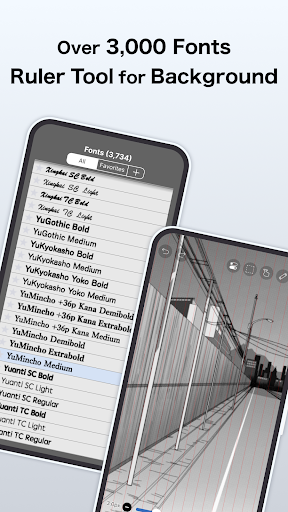
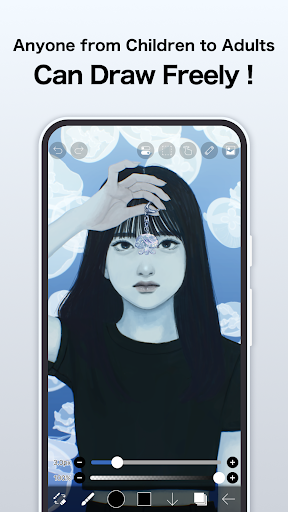
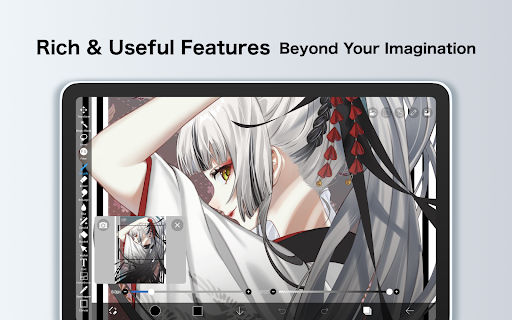
Download ibis Paint
You are going to be redirected to the official website to finish the download when you click the button below.
About ibis Paint
ibis Paint is a popular art and design mobile app tailored for digital artists of all skill levels. It offers a wide range of drawing tools, layers, and customizable brushes, making it an excellent choice for creating detailed illustrations. As an intuitive Android app, it provides a smooth and engaging app experience that supports both beginners and professionals in bringing their creative ideas to life.
Overview
Core Features
- The app features a user-friendly interface that allows artists to easily navigate and access drawing tools.
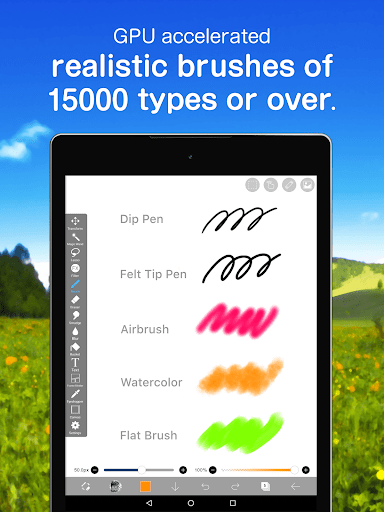
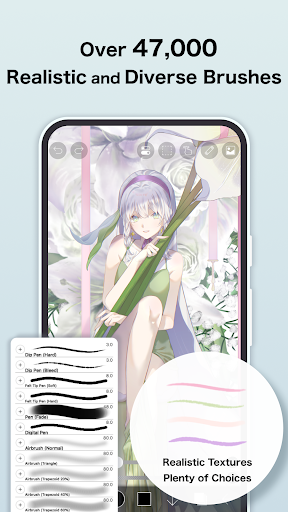
- Comprehensive brush options, including customizable settings, enable detailed and unique artwork creation.
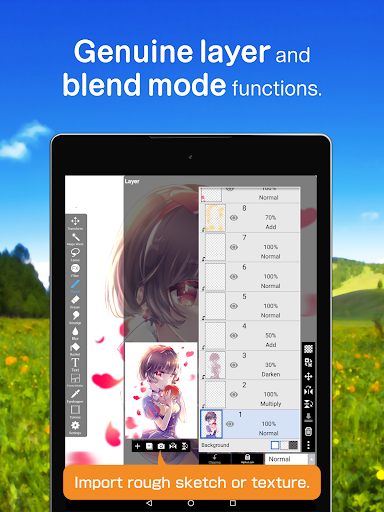
- Layer management tools facilitate complex compositions and efficient editing workflows.
- Real-time synchronization ensures your artwork is saved and updated across devices seamlessly.
- The app supports both raster and vector layers, providing versatile drawing options for different art styles.
- Advanced selection and transformation tools help refine artwork with precision and ease.
- Offline mode allows artists to work without an internet connection, making it a reliable app-based solution.
- Various export options enable sharing and printing high-quality images directly from the app.
Who This App Is For
This mobile app is ideal for amateur and professional artists, designers, and hobbyists who enjoy creating digital art on their Android or iOS devices. Its intuitive design caters to users of all skill levels, from beginners to seasoned creators.
People looking for a versatile app-based solution for drawing, sketching, or illustrating can benefit greatly. Whether working on quick sketches or detailed projects, this app provides a reliable toolset for enhancing the overall app experience.
Why Choose This App
What sets this Android app apart are its rich app features and ease of use, making digital art accessible to everyone. Its seamless interface and powerful tools help artists bring their ideas to life efficiently.
By offering a comprehensive suite of creative tools, offline capability, and smooth performance, this app stands out as a trusted choice for digital art enthusiasts seeking an app-based solution that combines functionality with reliability.
Features
Creative Drawing Studio for Mobile Devices
Powerful Art Tools for Expressive Creativity
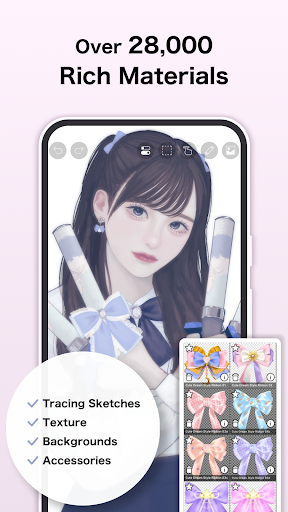
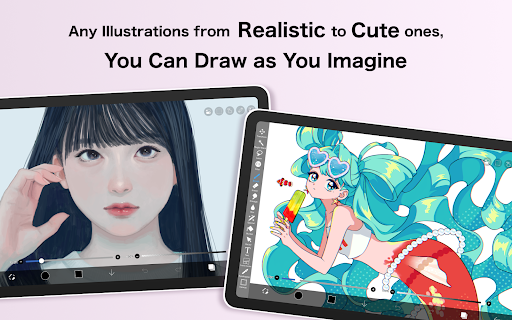
Extensive Brush Library for Diverse Artistic Styles
Advanced Layer Management for Complex Compositions
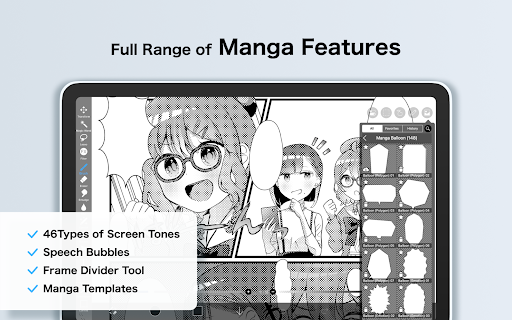
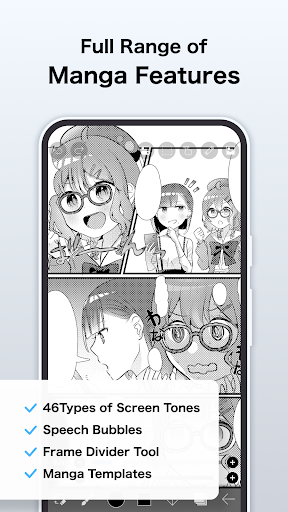
Manga-Specific Text Tools for Comics
Seamless Workflow Recording for Process Sharing
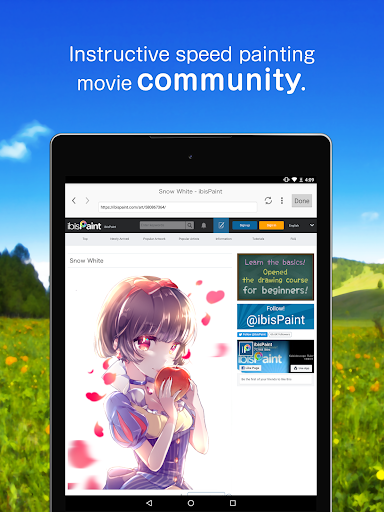
Community Platform for Feedback and Inspiration
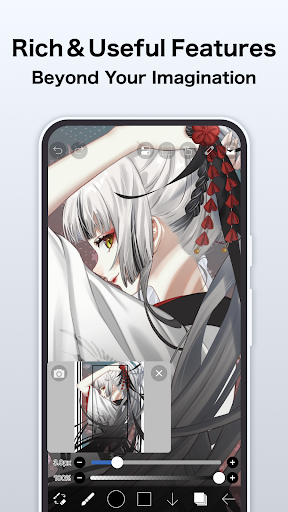
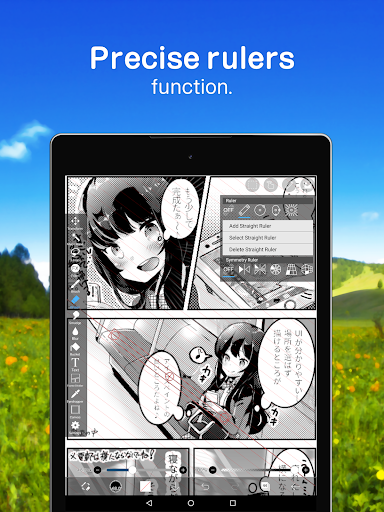
Intuitive Interface with Precision Tools
Pros
- +Extensive Brush and Tool OptionsIbis Paint offers a wide variety of brushes and tools, allowing for detailed and versatile digital art creation.
- +Layer Management SystemSupports multiple layers with blending modes, enhancing complex artwork workflows.
- +High-Quality Zoom and PrecisionSmooth zooming and high-resolution canvas support enable detailed editing without lag.
- +Customizable InterfaceUsers can customize toolbars and shortcuts to optimize their drawing experience.
- +Frequent Updates and Community EngagementRegular updates introduce new features while active community sharing helps users learn and improve.
Cons
- -Limited Export Options on Free VersionFree users have restricted file formats and resolution options, which may require upgrading to unlock full capabilities.Medium
- -Steep Learning Curve for BeginnersAdvanced features can be overwhelming initially; tutorial videos and official guides can help mitigate this.Medium
- -Occasional Lag on Older DevicesPerformance may decrease on devices with lower specs; closing background apps or updating hardware can improve performance.Low
- -Limited Vector SupportPrimarily raster-based, which might limit scalability for some professional vector workflows; official updates may improve this in future versions.Low
- -In-App Purchases Can Be CostlySome premium brushes and features require payment, but basic tools are still accessible for free.Low
FAQ
Is ibis Paint safe to use on my device?
Yes, ibis Paint is a reputable mobile app used by millions of artists worldwide. It's regularly updated to fix bugs and improve security, making it a safe choice for your Android device or other platforms.
Always download apps from official sources like the Google Play Store or Apple App Store to ensure you're getting the authentic version. This way, you can enjoy the app features confidently, knowing your data and device are protected.
How do I install ibis Paint on my phone?
Installing ibis Paint is straightforward. If you're using an Android app, you can find it on the Google Play Store by searching its name. For iPhone users, it's available in the Apple App Store. Just follow the usual steps to complete the installation process.
This app based solution provides a smooth setup, often taking just a few moments. Once installed, you'll be ready to explore the app features and start creating digital art with ease.
What are the main features of ibis Paint?
ibis Paint offers a wide range of app features suited for both beginners and experienced artists. These include numerous brushes, layer options, and advanced editing tools. It's designed to enhance your app experience, whether you're working on detailed illustrations or quick sketches.
The app also supports multi-layer editing, stroke stabilization, and recording your drawing process. Such features make it a versatile launcher app for digital art, delivering an engaging and productive creative experience.
Does ibis Paint work well on older devices?
Yes, ibis Paint is optimized to perform well on a variety of Android devices, including older models. Its app experience remains smooth if your device meets the minimum requirements, making it accessible to many users.
However, for the best performance with some of the more advanced app features, a device with a decent processor and sufficient RAM is recommended. Overall, it's a reliable app based solution that caters to a broad user base.
Is ibis Paint suitable for beginners learning digital art?
Absolutely. ibis Paint provides an intuitive interface and a rich set of app features that are perfect for beginners. Many artists start with basic tools and gradually explore more advanced options as they gain confidence.
Additionally, there are tutorials and a large community that can help improve your app experience. It's a trusted app for new users wanting to learn digital art in a friendly, accessible environment.





