
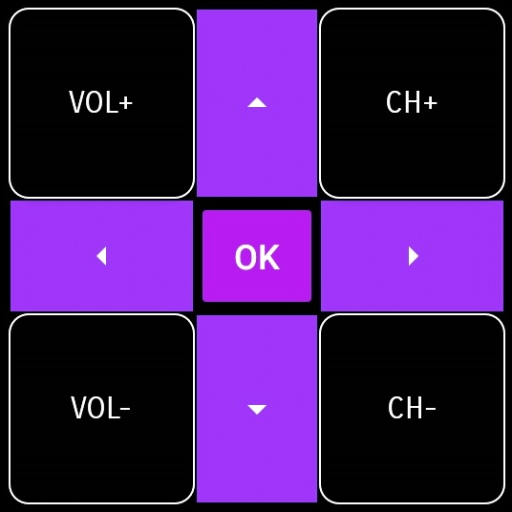
HiSense Smart TV Remote
the HiSense Smart TV Remote app for seamless control of your TV. Free now and enjoy quick, reliable remote access via your smartphone.
Screenshots
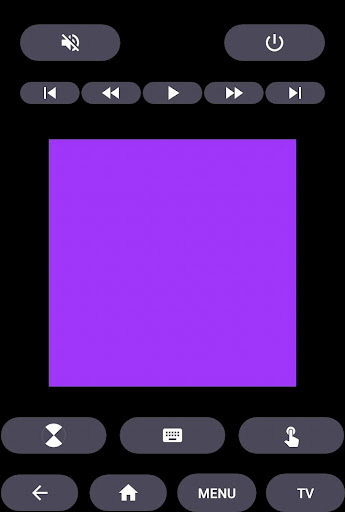
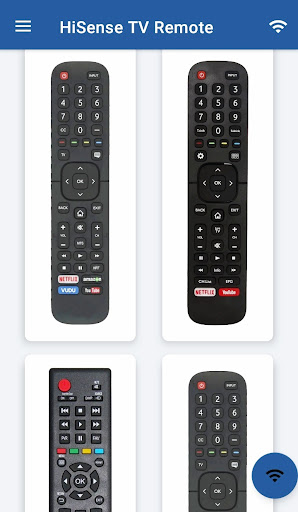
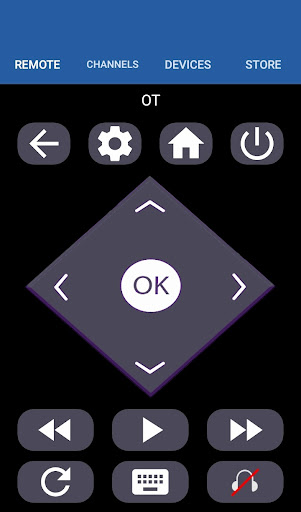
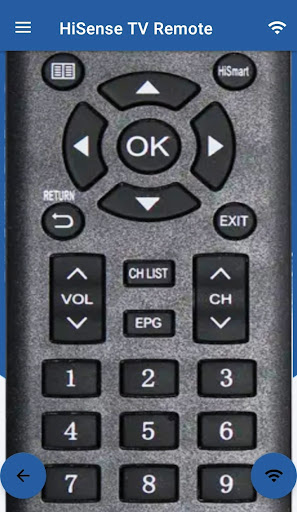
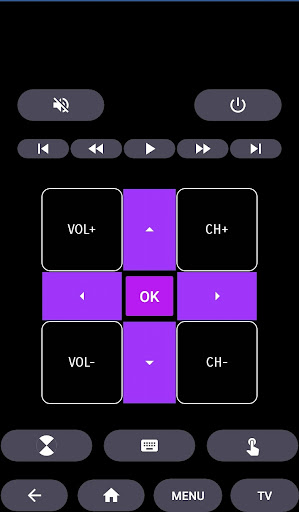
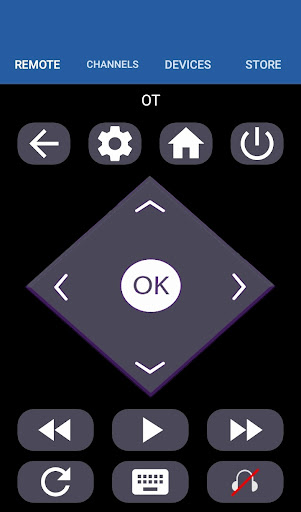
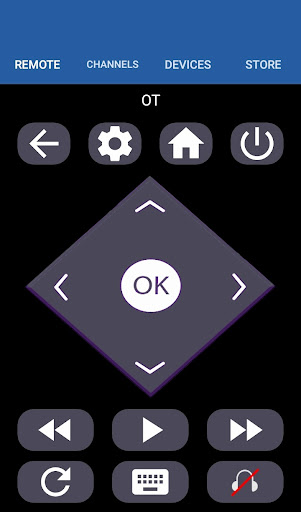
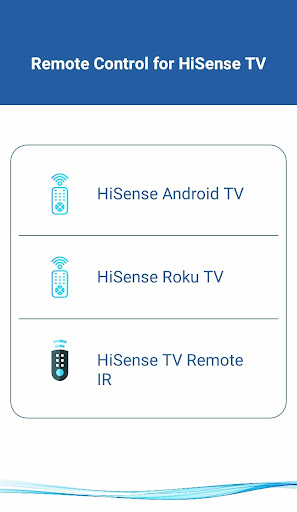
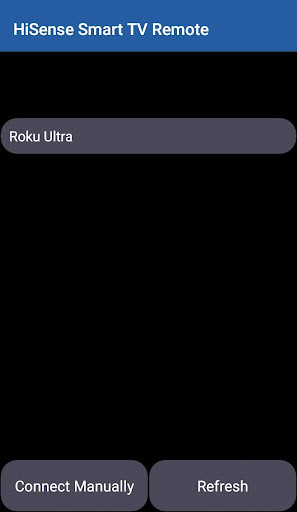
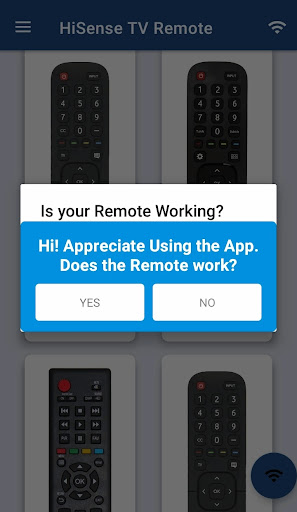
Download HiSense Smart TV Remote
You are going to be redirected to the official website to finish the download when you click the button below.
About HiSense Smart TV Remote
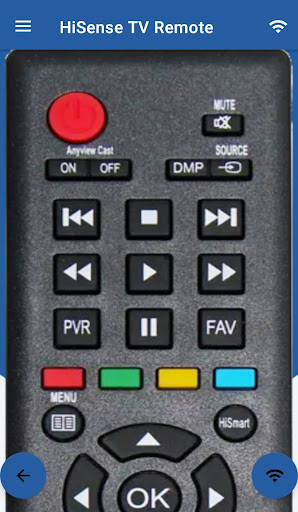
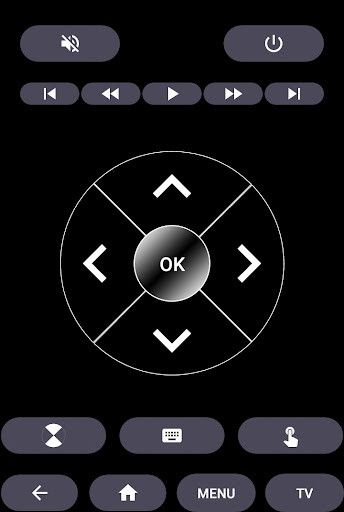
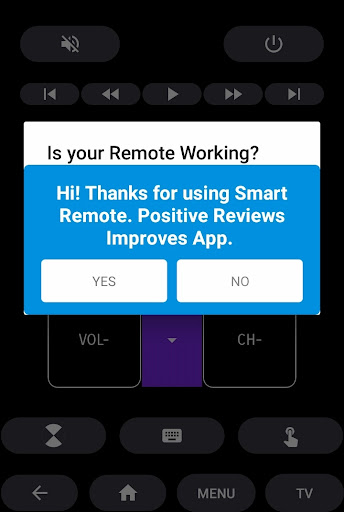
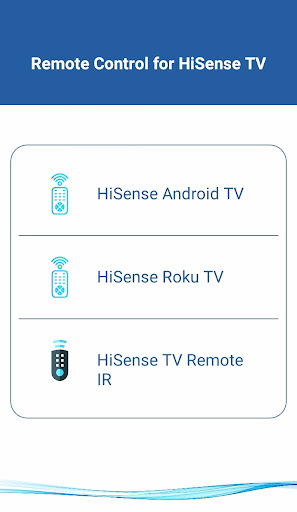
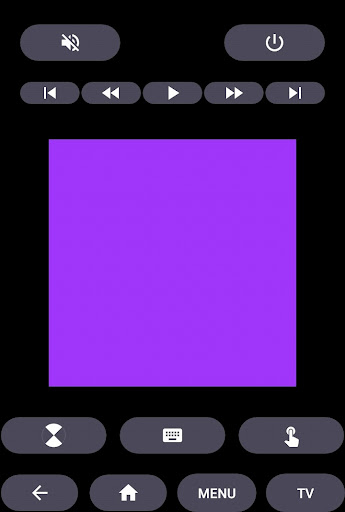
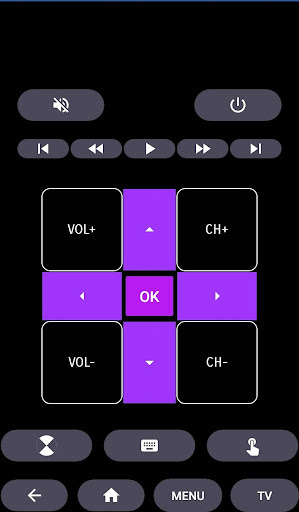
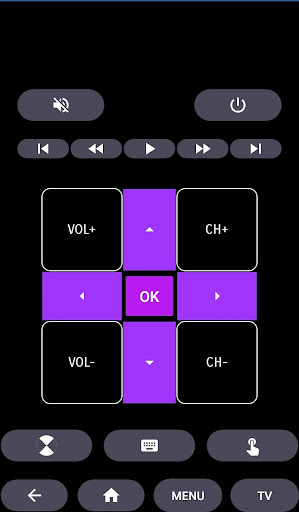
The HiSense Smart TV Remote is a user-friendly mobile app designed to provide a convenient way to control your HiSense smart TV directly from your smartphone. As an Android app, it offers seamless integration, allowing users to navigate channels, adjust volume, and access other TV features effortlessly. This app-based solution enhances the overall app experience by turning your mobile device into a versatile remote control for your home entertainment system.
Overview
Core Features
- The app features a user-friendly interface for easy navigation and quick access to all functions.
- It offers real-time sync with your smart TV, ensuring smooth control without lag or delays.
- Supports multiple device pairing, allowing the remote to be used across several smart TVs seamlessly.
- Includes customizable control options, enabling users to personalize buttons and shortcuts.
- Provides a dedicated launcher app for quick access directly from your smartphone's home screen.
- Offers offline mode, so users can operate the remote control even without internet connectivity.
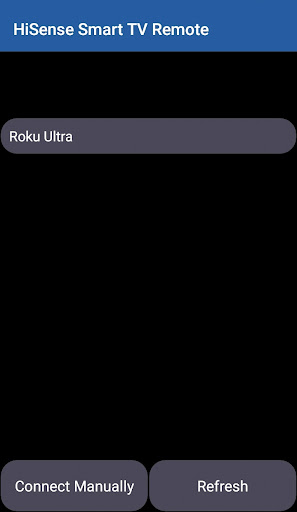
- Features automatic device detection, simplifying the process of connecting to your HiSense Smart TV.
Who This App Is For
This mobile app is ideal for tech-savvy individuals and homeowners who prefer simple solutions to manage their smart TVs. It's especially useful for those who want convenient control over their entertainment setup.
Whether you're someone who often forgets remote controls or prefers a consolidated app-based solution, this app enhances your app experience by turning your phone into a versatile remote for your smart devices, streamlining daily entertainment routines.
Why Choose This App
This Android app stands out by offering a reliable, easy-to-use app-based solution for controlling your HiSense Smart TV. Its app features enhance usability and provide a seamless experience tailored for modern smart home setups.
With its intuitive design and robust app features, it solves common remote control issues, making your TV experience more convenient and trustworthy compared to other launcher apps. This app truly simplifies home entertainment management for all users.
Features
Enhanced TV Control with Simple Smartphone App
Seamless Compatibility Across Various Devices
Powerful Multi-Function Remote Interface
Intuitive Design for Easy Navigation
Fast Setup for Instant Use Experience
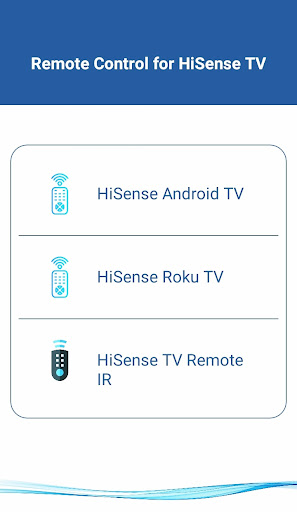
Versatile IR and Smart Device Support
Stable Wi-Fi Connection for Reliable Operation
Battery-Conserving Performance Optimization
Pros
- +User-friendly interfaceThe app features an intuitive design that makes remote control setup and navigation simple for all users.
- +Wide device compatibilityIt supports multiple HiSense Smart TV models across different series, reducing compatibility issues.
- +Additional features like voice controlIntegrates voice commands for easy channel switching and volume adjustment, enhancing convenience.
- +Customizable remote layoutAllows users to personalize button arrangements, improving ease of use according to preferences.
- +Remote control via smartphone cameraEnables use of phone camera to detect and control the TV, offering an innovative control method.
Cons
- -Occasional connectivity lagSome users report delays in signaling, especially over unstable Wi-Fi, which can affect responsiveness.medium
- -Limited support for older TV modelsOlder HiSense TVs may not be fully compatible, but users can try reinstalling the app or updating their firmware as a temporary fix.low
- -Battery drain during extended useThe app consumes noticeable battery when used extensively, but lowering screen brightness or closing background apps can help.medium
- -Occasional app crashes on some devicesCrashes might occur unexpectedly; updating the app or restarting the device usually resolves this issue.low
- -Limited customization options for some functionsAdvanced controls like macros are not available, though official updates are expected to expand features in future versions.low
FAQ
Is the HiSense Smart TV Remote app safe to use?
Yes, the HiSense Smart TV Remote app is designed with user safety in mind. It comes from a trusted developer and undergoes regular security updates to protect your personal information.
Always download the app from official sources like the Google Play Store to ensure authenticity. Following good security practices helps maintain a safe app experience on your device.
How do I install the HiSense Smart TV Remote app on my device?
Installing this mobile app is straightforward. Simply visit the Google Play Store and search for HiSense Smart TV Remote. It's compatible with most Android devices and works as a launcher app for your smart TV control needs.
Make sure your device meets the app's requirements for optimal app features and a smooth app experience. The installation process is quick and does not require technical expertise.
Does the HiSense Smart TV Remote app work with all HiSense TVs?
The app is compatible with most HiSense smart TVs, but compatibility can vary based on the TV model and software version. It functions as an app based solution to control various TV features remotely.
Check the app's description on the Google Play Store to confirm compatibility with your specific TV model. If in doubt, reviews and FAQs can often provide additional guidance on supported devices.
What features does the HiSense Smart TV Remote app offer?
This app features an intuitive interface that allows you to control volume, change channels, and navigate menus easily. It also supports voice commands and custom setup options to enhance your app experience.
The app functions as a remote replacement, offering seamless control over your TV. Its features are designed to make managing your smart TV more convenient and efficient.
Can I use the HiSense Smart TV Remote app without an internet connection?
Yes, once you have installed the app and paired it with your TV, it generally works offline for most basic remote functions. However, features like firmware updates or app-based solutions that rely on internet may need connectivity.
For the best app experience, ensure your device and TV are connected to the same Wi-Fi network during setup. This helps maximize the app features and control options available to you.





