

GPS Waypoints Navigator | MAPS
GPS Waypoints Navigator, a top-rated offline GPS app with 400+ maps. Explore reliably for outdoor, marine, and urban navigation. Get it free now!
Screenshots

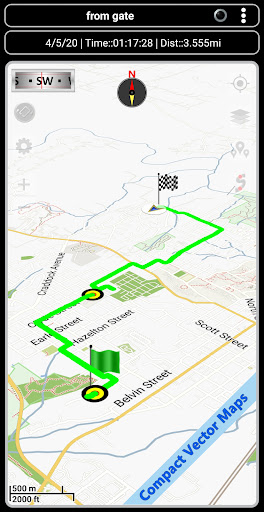
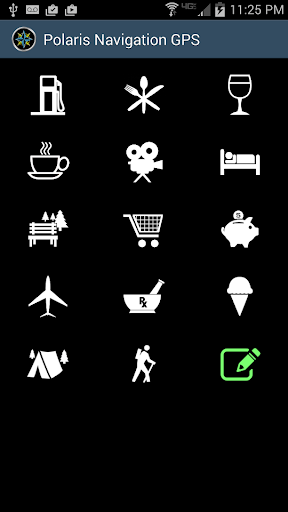
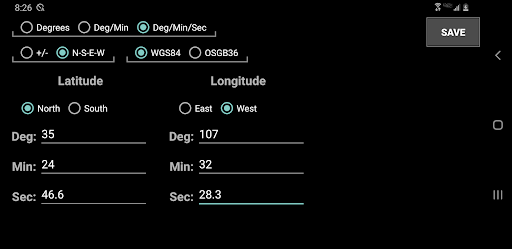
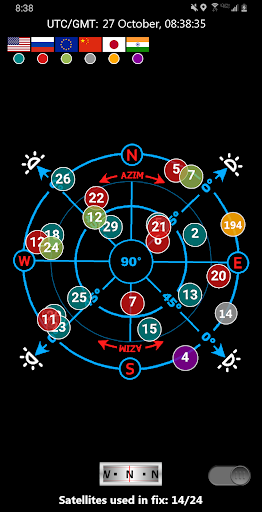
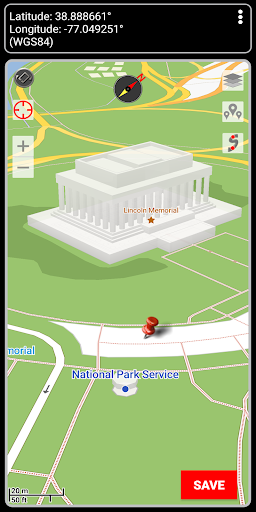
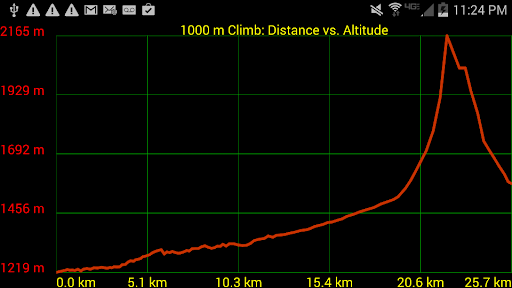
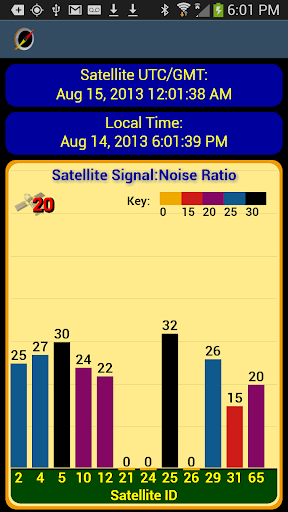
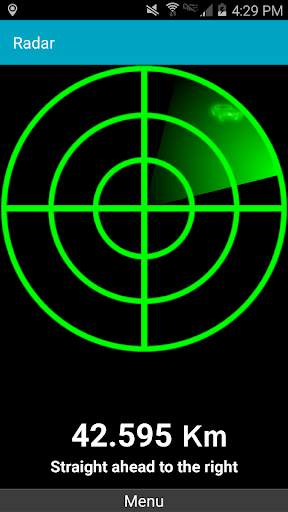
Download GPS Waypoints Navigator | MAPS
You are going to be redirected to the official website to finish the download when you click the button below.
About GPS Waypoints Navigator | MAPS
GPS Waypoints Navigator | MAPS is a reliable Android app designed for precise navigation and location management. It helps users mark, save, and easily find waypoints, making it an ideal tool for outdoor adventures, travel, or daily commutes. With its user-friendly interface, this mobile app delivers a seamless app experience for both casual users and navigation enthusiasts.
Overview
Core Features
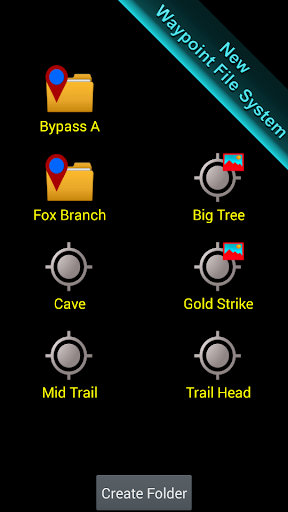
- The app features customizable waypoints to easily navigate and mark favorite locations for quick access.
- Real-time GPS tracking ensures accurate positioning and route updates for a smooth app experience.
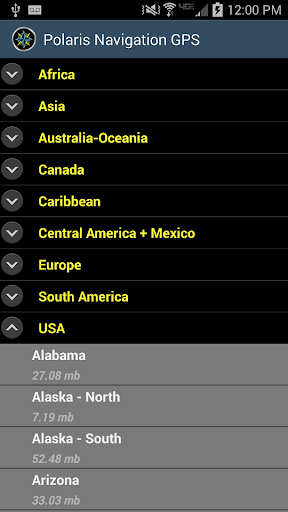
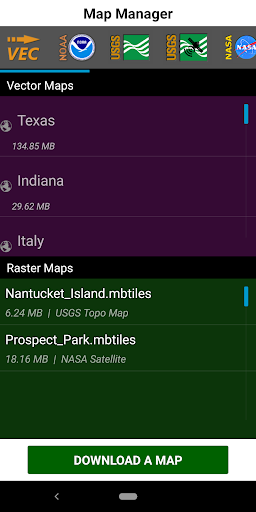
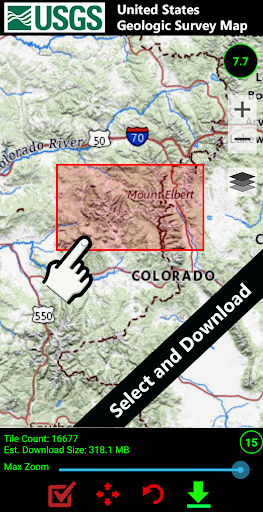
- Offline maps capability allows access to navigation even without an internet connection, ideal for remote areas.
- The app includes detailed route planning with turn-by-turn directions to enhance user convenience.
- Intuitive interface makes it simple for users to organize and manage multiple waypoints effortlessly.
- Support for various map types and layers offers flexibility to tailor the app experience to individual needs.
- Seamless integration with device location services provides precise navigation assistance.
Who This App Is For
This mobile app is ideal for outdoor enthusiasts, travelers, and hikers looking for a reliable navigation tool. It appeals to users who prefer a straightforward app experience with precise location data.
Whether planning a road trip, exploring new hiking trails, or managing fieldwork, this app-based solution offers the features needed for accurate navigation and location management in various scenarios.
Why Choose This App
This Android app stands out by combining robust app features with an easy-to-use interface, making navigation simple and reliable. It provides a trustworthy app experience for those seeking precise GPS and waypoint management.
Designed to solve common navigation problems, it offers offline access, real-time updates, and flexible map options, ensuring users stay on course no matter where they are. Its focus on reliability and usability makes it a top choice among launcher apps and navigation solutions.
Features
Offline Maps for Reliable Navigation
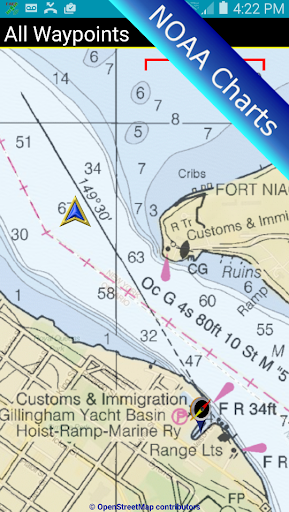
Multiple Map Sources for Custom Mapping
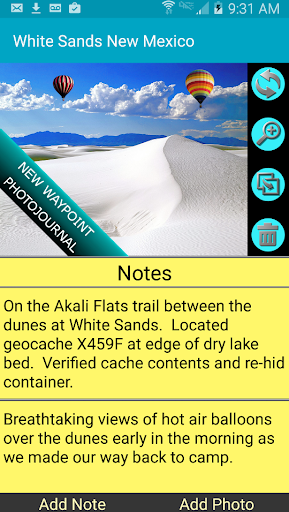
Create and Organize Waypoints Effortlessly
Share and Import Location Data Seamlessly
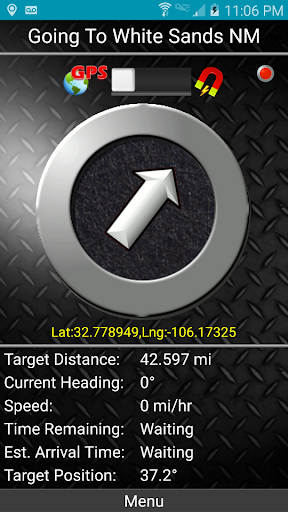
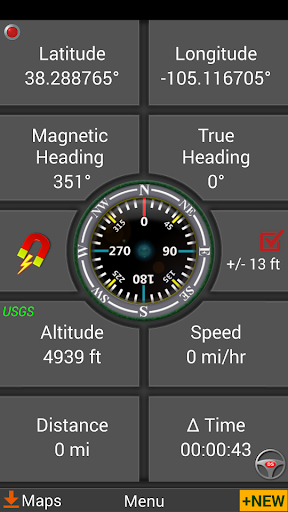
Intuitive Compass and Direction Tools
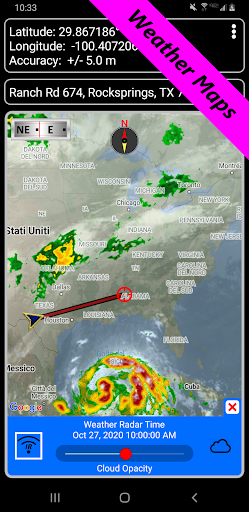
Real-Time Weather and Environmental Updates
Precise Distance and Elevation Measurement Tools
Multi-Scenario Map Use for Diverse Adventures
Pros
- +Intuitive User InterfaceThe app offers a clean and user-friendly design, making navigation straightforward for users of all levels.
- +Accurate GPS Waypoint TrackingProvides precise waypoint recording and routing, suitable for outdoor activities like hiking and geocaching.
- +Offline Map AvailabilityAllows users to download maps for offline use, ensuring functionality even without internet access.
- +Customizable Route PlanningUsers can set waypoints and customize routes according to their preferences, enhancing flexibility.
- +Multi-Device SyncingSupports synchronization across multiple devices, enabling seamless navigation updates.
Cons
- -Limited Map Coverage in Some RegionsCertain remote areas may lack detailed maps, which can affect navigation accuracy.medium
- -Battery Consumption Under Heavy UseProlonged GPS usage can drain device batteries quickly; users might need portable chargers.high
- -Occasional Syncing DelaysSyncing data across devices can experience minor delays, but updates are generally reliable.low
- -Learning Curve for Advanced FeaturesSome advanced functionalities may require a brief learning period, but tutorials are available.low
- -Limited Free FeaturesMost advanced options require a premium subscription, which might be a barrier for some users.medium
FAQ
Is the GPS Waypoints Navigator app safe to use?
Yes, the GPS Waypoints Navigator app prioritizes user safety and data privacy. It is developed by a reputable team with thorough security measures in place to protect your information during navigation. Using trusted sources ensures a secure app experience.
Always download this mobile app from official stores, and keep your app updated to benefit from the latest security features. The app's safety features keep your location data protected while providing reliable navigation solutions for everyday use.
Can I install the GPS Waypoints Navigator app on my Android device?
Absolutely. The GPS Waypoints Navigator is designed as an Android app, making it compatible with most Android smartphones and tablets. Installing it from the Google Play Store guarantees a secure and straightforward process for accessing its app features.
If you're new to this app based solution, just ensure your device meets the minimum system requirements. It's a versatile launcher app that offers enhanced map and navigation functionalities tailored for Android users.
What are the main app features of GPS Waypoints Navigator?
The app offers a range of useful features such as waypoint marking, offline maps, GPS tracking, and customizable routes. These features are designed to enhance your app experience whether you're hiking, driving, or exploring new places.
The navigation tool integrates seamlessly with your device, providing accurate directions and real-time location updates. Its intuitive interface makes it easy to plan trips and save important waypoints for future reference.
How does the GPS Waypoints Navigator improve navigation compared to other apps?
This Android app stands out by offering detailed waypoint management and offline map capabilities, reducing reliance on constant internet access. Its app features focus on convenience and accuracy to improve your overall navigation experience.
As an expert-designed app based solution, it emphasizes usability for outdoor enthusiasts and daily commuters alike. Its reliable routing and user-friendly interface make it a trusted choice among navigation apps on Android devices.
Is the GPS Waypoints Navigator app suitable for outdoor activities?
Yes, this mobile app is excellent for outdoor activities such as hiking, biking, or camping. Its features allow you to mark waypoints, track routes, and access offline maps, making it a helpful tool when you're off the grid.
Many users find that its app experience enhances safety and convenience during outdoor adventures. As it provides precise location data, it's a dependable navigation companion for exploring remote areas.
Does the GPS Waypoints Navigator app support offline navigation?
Absolutely. One of the key app features is offline map support, enabling you to navigate even without an internet connection. This is particularly useful when traveling to areas with limited network coverage.
By storing map data on your device, the app based solution ensures your navigation needs are covered wherever you go. It's designed to deliver a smooth app experience in all circumstances.
How easy is it to use the GPS Waypoints Navigator app for navigation?
The app features an intuitive and user-friendly interface, making it easy for users of all skill levels to navigate and plan routes. The clear design helps you locate your waypoints and access map features effortlessly.
Whether you're a seasoned explorer or new to navigation apps, you'll find the app experience straightforward. Its streamlined layout and helpful tutorials ensure you get the most out of this Android app.
Is the GPS Waypoints Navigator app regularly updated and maintained?
Yes, the developers frequently update the app to introduce new features, improve stability, and enhance user experience. Regular updates are essential for maintaining the app as a reliable navigation tool.
This commitment to ongoing support and improvements makes the GPS Waypoints Navigator a trustworthy app based solution that users can rely on for their navigation needs.





