
Drawing for Kids Coloring Game
Drawing for Kids Coloring Game, an engaging children's coloring app for preschoolers. Free for safe, offline creative fun. Try now!
Screenshots
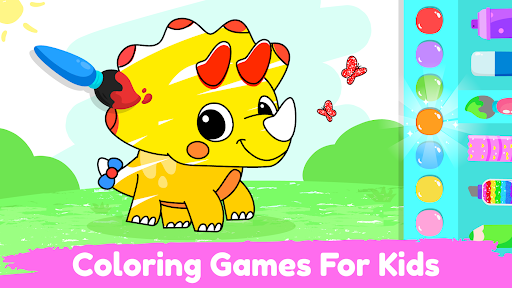
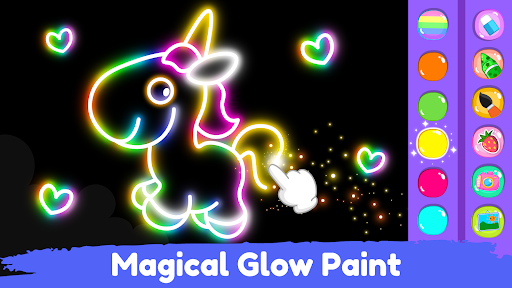
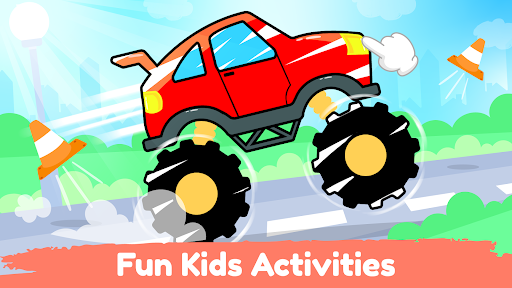
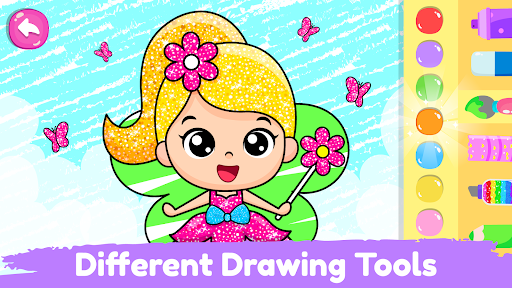
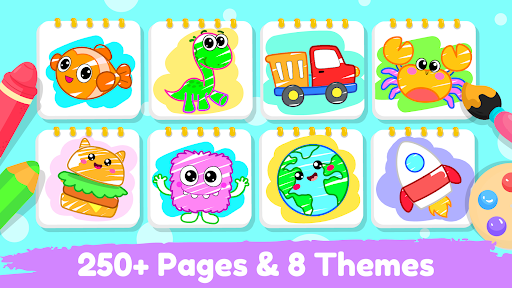
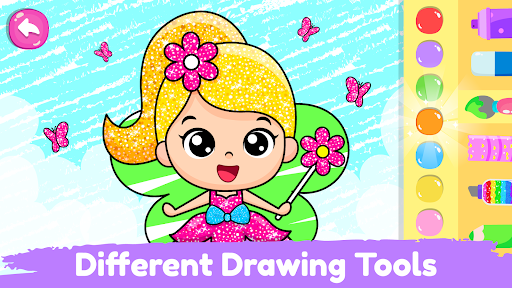
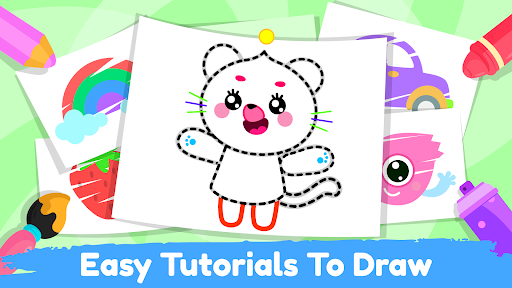
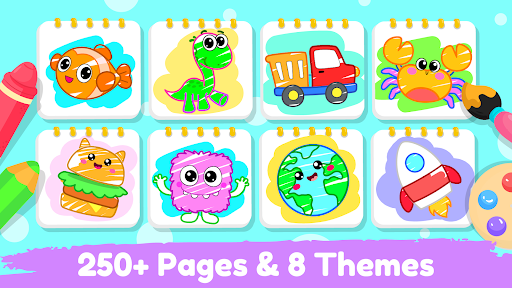
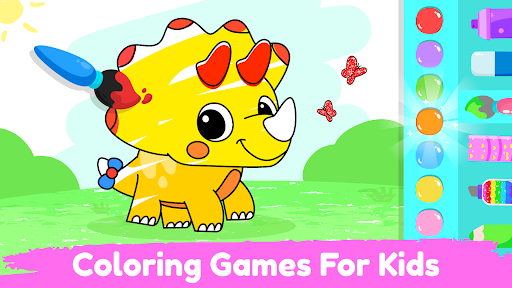
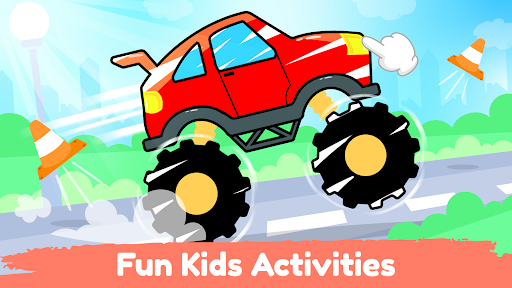
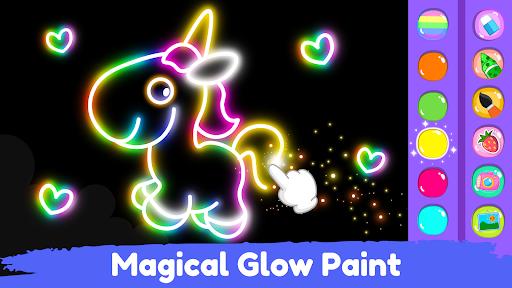
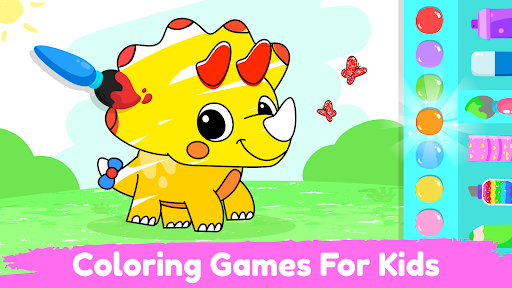
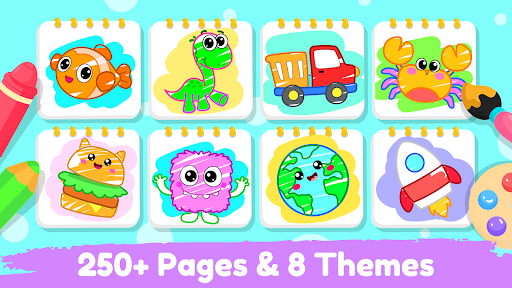
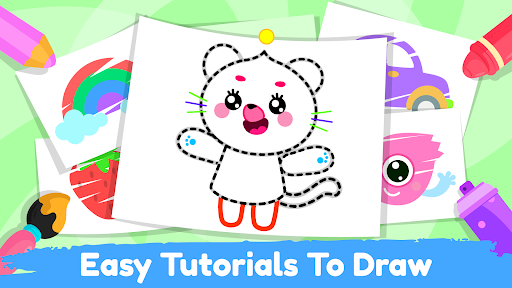
Download Drawing for Kids Coloring Game
You are going to be redirected to the official website to finish the download when you click the button below.
About Drawing for Kids Coloring Game
Drawing for Kids Coloring Game is a user-friendly mobile app designed to nurture creativity in young children through engaging drawing and coloring activities. Suitable for Android devices, this app offers a simple interface that makes it easy for kids to explore their artistic side while providing an enjoyable app experience. Its primary purpose is to serve as an educational and entertainment-based solution that helps develop fine motor skills and imagination in young learners.
Overview
Core Features
- The app features an intuitive drawing interface suitable for young children, making it easy to create colorful artwork.
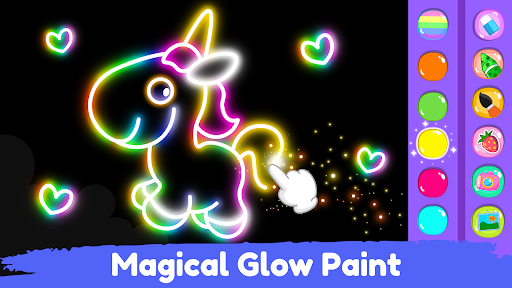
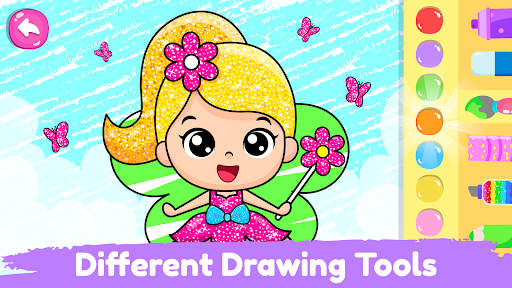
- It includes a variety of coloring options and brush tools that encourage creativity and fine motor skill development.
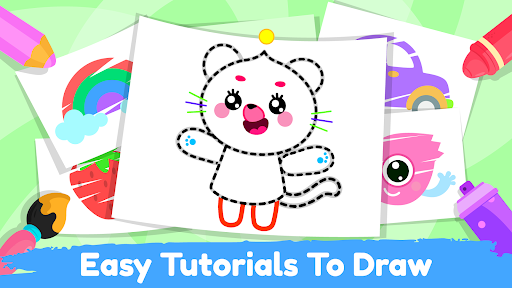
- Many app features focus on interactive learning, with guided painting activities suitable for toddlers and preschoolers.
- The app offers an offline mode that allows children to access their favorite coloring pages without an internet connection.
- The app experience is enhanced by safe, ad-free content designed specifically for kids, ensuring a trustable environment.
- It provides a simple navigation system, making it a suitable launcher app for children learning to use mobile devices.
- The app includes voice-guided tutorials that help kids understand drawing techniques easily.
Who This App Is For
This mobile app is perfect for parents, teachers, and caregivers looking for engaging educational tools for children aged 2 to 6. It's designed for those who want a safe, easy-to-use app-based solution to foster creativity in young kids.
Ideal for kids who love drawing and coloring, this Android app helps develop artistic skills while providing a fun, interactive experience that keeps children entertained and learning at the same time.
Why Choose This App
This app offers a rich set of app features tailored for young learners, making it a standout choice among drawing apps for kids. Its focus on a smooth app experience ensures that children enjoy creating without frustration.
By combining intuitive design with educational content, this Android app provides a trustworthy and effective app-based solution for nurturing early artistic talents while keeping parents assured of its safety and quality.
Features
Drawing for Kids Coloring Game - Creative Fun for Young Children
Bright and Safe Digital Coloring Environment
Interactive and Engaging Art Activities
Educational Tools for Motor Skills Development
Creative Art Tools for Imaginative Play
Offline Access for Convenient Creativity
Ad-Free Experience for Distraction-Free Drawing
Variety of Themed Coloring Pages
Guided Drawing and Learning Modules
Pros
- +User-friendly interfaceThe app is easy for young children to navigate, encouraging independent creativity.
- +Variety of coloring toolsOffers multiple brushes, colors, and textures to enhance drawing experiences.
- +Extensive drawing templatesIncludes numerous pre-made templates and themes suitable for different ages.
- +Interactive featuresContains fun elements like stickers and animated effects to make coloring more engaging.
- +Offline accessCan be used without an internet connection, allowing flexibility for users.
Cons
- -Limited advanced drawing featuresLacks tools like layers or undo options for more complex artwork, which may frustrate older children.medium
- -occasional app crashes on certain devicesSome users experience crashes; restarting the app or reinstalling might temporarily resolve this.high
- -Color palette restrictionsLimited color options in some templates could hinder creative variety; future updates may expand choices.low
- -In-app advertisementsAds sometimes disrupt the drawing process; upgrading to a premium version could improve experience.medium
- -Sound effects are simple and repetitiveLacks varied sound feedback which could enhance interactive engagement; developers might add more options in future updates.low





