

Clone Master- Multi Dual Space
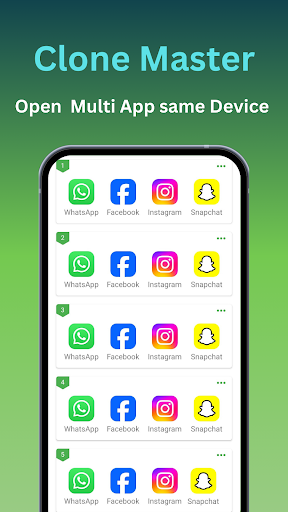
Clone Master, the top app cloning tool for Android 15, to manage multiple accounts seamlessly. Unlock efficiency today with free !
Screenshots
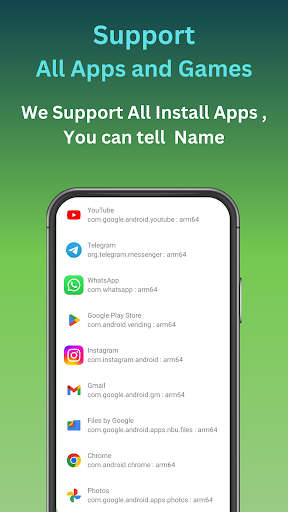
Download Clone Master- Multi Dual Space
You are going to be redirected to the official website to finish the download when you click the button below.
About Clone Master- Multi Dual Space
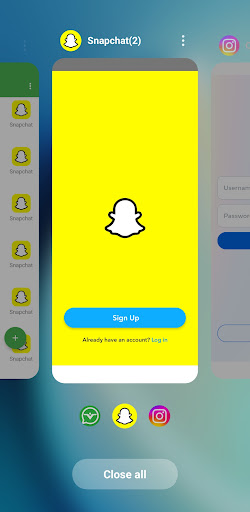
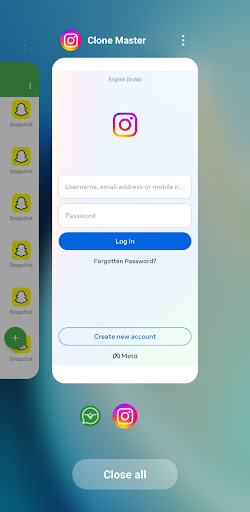
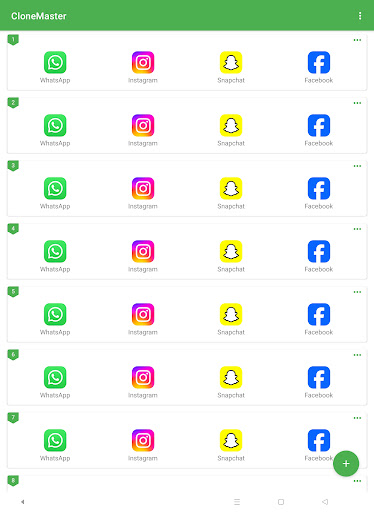
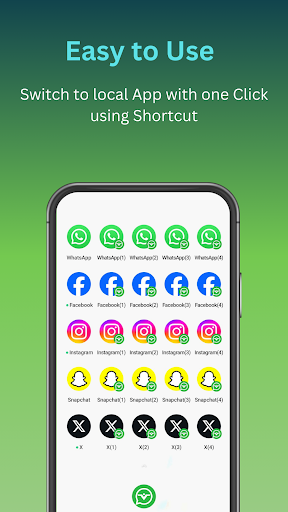
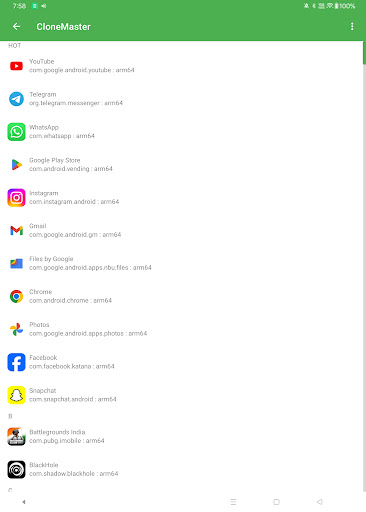
Clone Master - Multi Dual Space is a versatile Android app designed to help users create multiple instances of their favorite apps seamlessly. This launcher app allows for easy cloning of social media accounts, messaging apps, and more, enhancing your app experience by enabling smooth management of multiple profiles within a single device. Its user-friendly interface and robust features make it an essential tool for anyone seeking an efficient app based solution to organize and optimize their mobile usage.
Overview
Core Features
- Supports creating multiple app clones, allowing users to run multiple accounts on the same device easily.
- Offers a dual space feature that enables quick swapping between different app instances for better management.
- Includes an app lock to secure cloned accounts with PIN or fingerprint, ensuring privacy and safety.
- Provides an intuitive user interface with easy navigation, making it simple to manage multiple app environments.
- Features background running and quick switch options for smoother app experience and enhanced multitasking.
- Supports app based solutions that allow seamless duplication of social media, messaging, and other apps.
- Offers a lightweight design that conserves device resources while maintaining high performance in an Android app.
Who This App Is For
This mobile app is ideal for users who need to manage multiple accounts on social media, messaging, or gaming apps, especially those aged 18-35 who value privacy and efficiency.
Its app-based solution caters to busy professionals, social media managers, and gamers who require quick switching between accounts, ensuring an improved app experience for personal or business use.
Why Choose This App
This Android app stands out with its robust app features designed for easy management of multiple app clones, making it a top launcher app for multitasking enthusiasts.
It offers a reliable app experience by delivering fast performance, security, and simplicity, solving common frustrations with other clone apps and providing a trustworthy app-based solution for everyday needs.
Features
1. Simple app cloning for multiple accounts management
2. Optimized performance leveraging Android 15 advantages
3. Easy-to-use cloning interface for quick setup
4. Customizable clones with unique icons and names
5. Secure data separation for privacy protection
6. No root required for seamless app duplication
7. Enhanced privacy with incognito login options
8. Versatile cloning for personal and professional use
Pros
- +Enhanced MultitaskingAllows users to run multiple apps simultaneously across different spaces, boosting productivity.
- +Intuitive InterfaceFeatures a user-friendly layout that makes switching between spaces quick and easy.
- +Customizable SpacesUsers can personalize each space with specific apps and settings for different tasks.
- +Resource OptimizationHelps manage app usage efficiently, potentially reducing system lag or crashes.
- +Seamless App CloningEnables easy duplication of apps like social media accounts, improving account management.
Cons
- -Limited Free FeaturesMany advanced functions require a premium upgrade, which might discourage some users.medium
- -Occasional App Compatibility IssuesSome apps may not clone or run smoothly within different spaces, leading to occasional glitches. Waiting for future updates may improve compatibility.high
- -Learning Curve for New UsersInitial setup and understanding of space management could be complex for tech novices.low
- -Battery ConsumptionRunning multiple spaces can lead to increased battery drain, potentially reducing device usage time.medium
- -Limited Language SupportCurrently focuses mainly on English and Chinese, which may not support all users worldwide; official plans for more languages are anticipated.low
FAQ
Is Clone Master- Multi Dual Space safe to use on my device?
Yes, Clone Master- Multi Dual Space is a safe mobile app when downloaded from trusted sources like the Google Play Store. It has undergone security checks to protect your device and data.
However, it's always a good idea to review app permissions and keep your device's security measures updated. Using reputable app sources helps ensure you're installing authentic, secure apps.
How do I install and set up Clone Master- Multi Dual Space?
Installing this Android app is straightforward. You simply download it from the Google Play Store, then follow the on-screen instructions to grant necessary permissions. The app features are designed for easy setup.
Once installed, you can create multiple profiles or clones of your apps, making it simple to manage different accounts. The interface is user-friendly, perfect for those new to launcher apps or app-based solutions.
Can I create multiple clones of apps with Clone Master- Multi Dual Space?
Absolutely! The core app features of Clone Master- Multi Dual Space focus on allowing you to duplicate apps easily. This app-based solution helps you run multiple accounts on the same device without hassle.
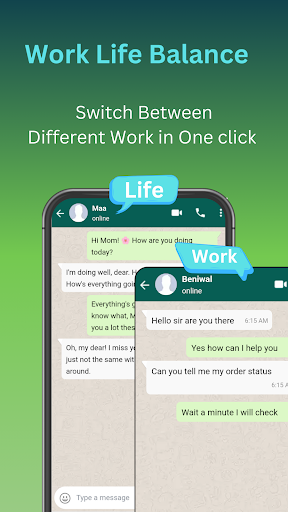
Whether it's social media, messaging, or other apps, this launcher app makes managing multiple instances seamless. It's a popular choice for users looking to keep work and personal accounts separate.
Does Clone Master- Multi Dual Space support different versions of Android devices?
Yes, this Android app is compatible with a wide range of device versions, making it versatile across various smartphones. It's designed to work well on most Android versions, ensuring broad usability.
Such compatibility demonstrates the app's commitment to providing a reliable app experience to a diverse user base, supporting different device configurations and operating system updates.
Are there any privacy concerns when using Clone Master- Multi Dual Space?
Privacy is important, and Clone Master- Multi Dual Space is developed with data security in mind. The app requests permissions typical for a launcher app, such as access to storage and app management.
Always review app permissions and settings to strengthen your privacy. Using a trustworthy source like the Google Play Store also adds a layer of safety to your app experience.
Will using Clone Master- Multi Dual Space affect my device's performance?
This app is designed efficiently to minimize impact on your device's performance. Properly configured, it provides a smooth app experience without draining resources excessively.
However, running multiple app clones may increase RAM or storage usage. It's advisable to manage your device's resources for optimal performance when using a launcher app like this one.
Is Clone Master- Multi Dual Space suitable for personal and professional use?
Yes, this app based solution is ideal for both personal and professional scenarios. You can easily create separate profiles for work and personal apps, keeping everything well organized.
Its features enable you to manage multiple accounts seamlessly, which is especially useful for those who need to switch contexts quickly while maintaining privacy and security.
Does Clone Master- Multi Dual Space receive regular updates and support?
Yes, the developers of Clone Master- Multi Dual Space regularly update the app to improve features, fix bugs, and enhance security. This commitment ensures a reliable app experience for users of this launcher app.
Getting updates from a reputable developer adds to the trustworthiness of an app and ensures compatibility with the latest Android versions and security standards.





