

Chase Mobile
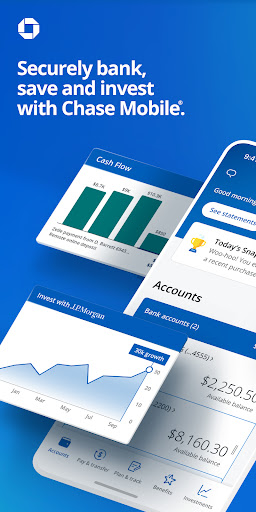
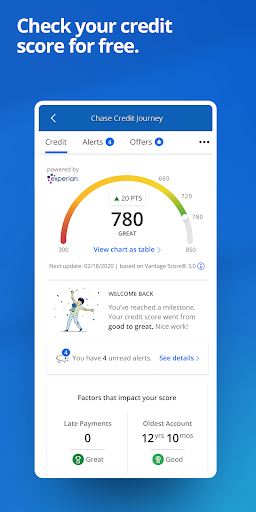
Chase Mobile app offers secure banking, mobile check deposit, payments, and free credit score monitoring. now for complete financial control.
Screenshots
Download Chase Mobile
You are going to be redirected to the official website to finish the download when you click the button below.
About Chase Mobile
Chase Mobile is the official banking mobile app from Chase, designed to put your finances at your fingertips. It lets you manage accounts, deposit checks, pay bills, send money with Zelle, and track balances securely from your Android device, delivering a streamlined and efficient app experience.
Overview
Core Features
- Manage your checking, savings, and credit card accounts all in one convenient place.
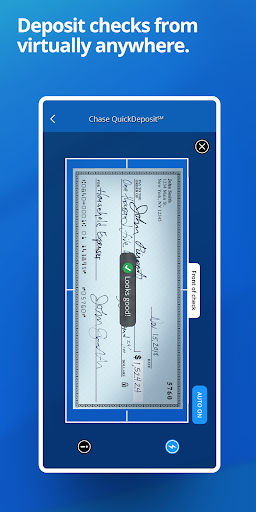
- Deposit checks instantly using your phone's camera without visiting a branch.
- Set up and manage bill payments, transfers, and scheduled payments with ease.
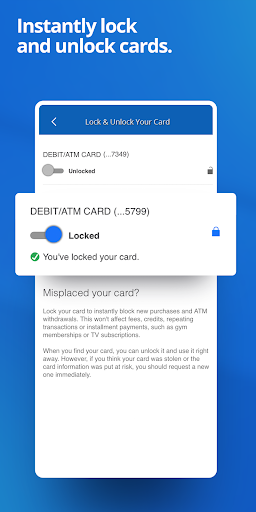
- Get real-time fraud alerts and the ability to lock your debit card immediately.
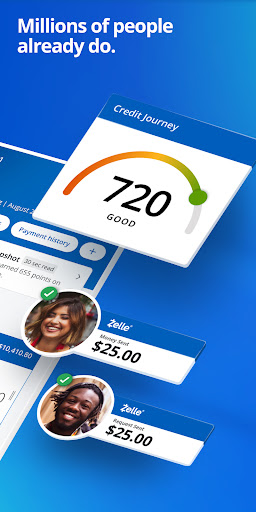
- Track your credit score for free and receive personalized insights to improve it.
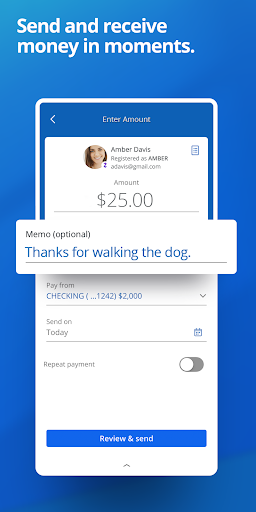
- Use Zelle integration to send and receive money quickly with friends and family.
- Find nearby ATMs and branches with useful hours and directions. This mobile app's core app features focus on secure and fast banking.
Who This App Is For
This mobile app is designed for busy adults aged 25 to 55 who manage their personal or household finances on the go, as well as for existing Chase customers who want a simpler way to stay on top of their money.
It is ideal for someone who needs to quickly check balances before a purchase, transfer funds between accounts on a lunch break, or deposit a check after business hours, making the app experience truly straightforward.
Why Choose This App
Choose this Android app because it provides a reliable, all-in-one hub for your financial life, reducing the stress of juggling multiple banking tools. You get robust security features and instant access to your funds, which builds trust with every use.
Unlike many alternatives, it offers seamless integration with credit card rewards and loan management, so you rarely need another finance tool. The app features are consistent and dependable, making it a top-tier app-based solution for everyday banking needs.
Features
All-in-one banking command center
Secure mobile check deposit convenience
Instant person-to-person money transfers
Free credit score and identity monitoring
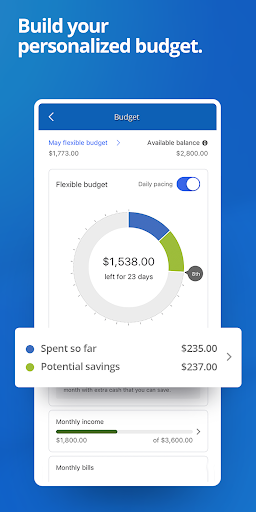
Personalized budgeting and spending insights
Proactive fraud alerts and card control
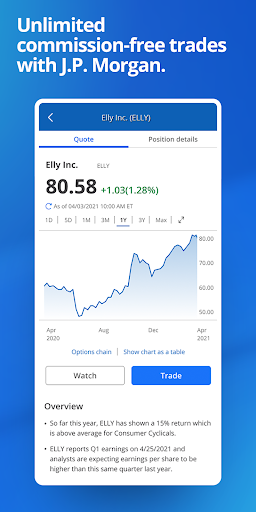
Commission-free investing and wealth planning
Tailored rewards and branch locator access
Pros
- +Lightning-fast mobile check depositDepositing checks takes under 30 seconds with accurate auto-detection and no deposit limits that frustrate daily users.
- +Real-time fraud alerts with instant card lockPush notifications for suspicious transactions appear within seconds, and you can freeze your debit card directly from the alert—no need to call support.
- +Excellent integration with Zelle for peer-to-peer paymentsSending money to friends is seamless, with contact recognition and instant transfer confirmation, making it my go-to for splitting bills.
- +Comprehensive spending insights and budgeting toolsAutomatic categorization of purchases into useful tags like 'Dining' and 'Transport' helps you spot trends without exporting data, rivaling dedicated budgeting apps.
- +Biometric login works flawlessly on both iOS and AndroidFace ID and fingerprint unlock are nearly instant, and they stay reliable even after app updates, which can't be said for many banking rivals.
Cons
- -Limited transaction search functionalityYou can only filter by date or keyword, not by amount or merchant type—a basic feature that's missing, often forcing you to scroll manually through months of history.Medium
- -App occasionally lags when loading large account historiesScrolling through a year of transactions can cause noticeable stutter or a brief white screen on older devices, though a hard refresh usually fixes it quickly.Low
- -No built-in bill pay scheduling for future datesYou can't set a bill payment to execute on a specific future day—only 'today' or 'tomorrow' is available, which is frustrating for planning around paydays.Medium
- -In-app customer support chat has long wait timesDuring peak hours, the chat queue can exceed 10 minutes, and the bot often redirects you to phone support for anything beyond basic questions.High
- -Card customization feature is hidden and clunkyYou can rename your card or toggle controls, but the menu path is unintuitive (Settings > Card Management > More), and changes take up to a day to reflect—something Chase said they'd streamline in future updates.Low





