
Audio Editor, MP3 Cutter
Audio Editor MP3 Cutter for free. Easily trim, cut, merge, and edit audio with precise controls. Perfect for creating ringtones and music clips. Try now!
Screenshots
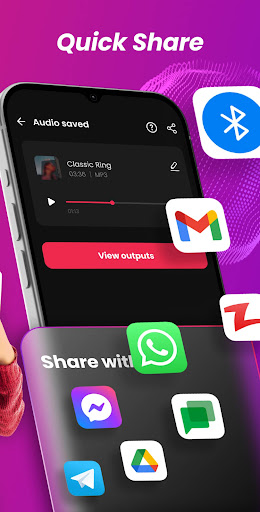
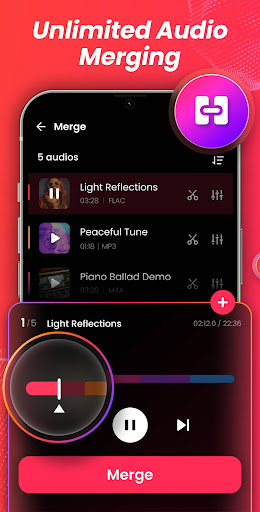
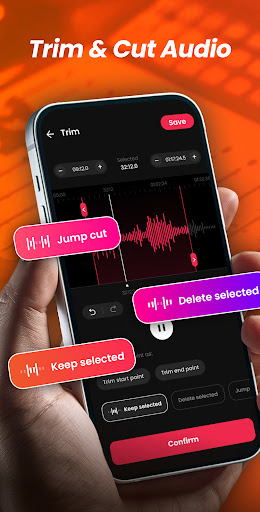
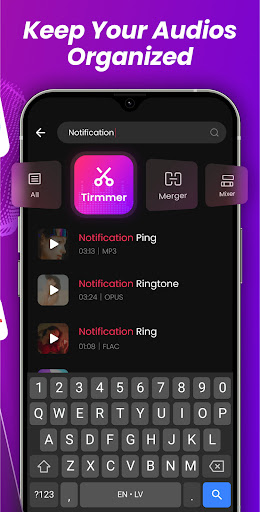
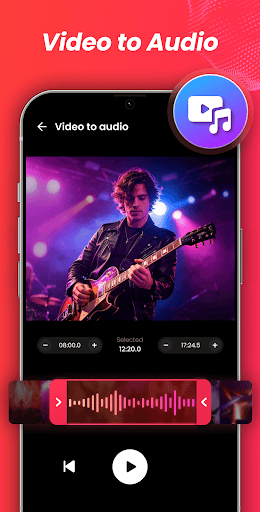
Download Audio Editor, MP3 Cutter
You are going to be redirected to the official website to finish the download when you click the button below.
About Audio Editor, MP3 Cutter
Audio Editor, MP3 Cutter is a versatile music and audio editing mobile app designed for users seeking quick and simple audio modifications. This Android app offers a user-friendly interface that allows you to trim, cut, and merge audio files effortlessly, making it an ideal app-based solution for creating personalized ringtones or editing audio clips on your mobile device. Its main functionality centers on providing an intuitive app experience that caters to both casual users and those with more detailed editing needs.
Overview
Core Features
- The app features an intuitive audio editing interface that allows users to trim, cut, and merge MP3 and other audio files easily.
- It includes a built-in MP3 cutter with precise editing tools, ideal for creating custom ringtones and sound snippets.
- Users can apply various effects and filters to enhance audio quality directly within the app, offering a versatile app experience.
- The app supports offline mode, enabling editing without an internet connection, which is a key app features advantage.
- Its user-friendly design makes it suitable for both beginners and experienced audio editors on Android devices.
- Seamless integration with your device's launcher app allows quick access and easy management of audio files.
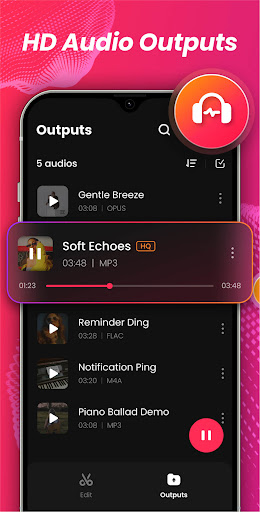
- The app provides high-quality audio output, maintaining clarity after editing, which builds trust with users seeking reliable results.
Who This App Is For
This mobile app is perfect for music enthusiasts, content creators, and anyone who needs quick audio edits on their Android device. It benefits users looking for a simple yet powerful app-based solution for audio editing tasks.
Whether you're creating custom ringtones, trimming podcasts, or editing sound clips for social media, this app offers an efficient app experience suited for all skill levels and daily audio editing needs.
Why Choose This App
This Android app stands out with its balance of simplicity and powerful app features, making audio editing straightforward and accessible. It solves common problems like complicated workflows and poor audio quality, ensuring reliable results.
Its user-centric design and offline capabilities provide an excellent app-based solution for users who want quick, professional-quality audio editing without hassle or unnecessary complexity.
Features
Level 1: User-Friendly Audio Editing Tool
Level 2: Precise and Versatile Music Editor
Level 3:
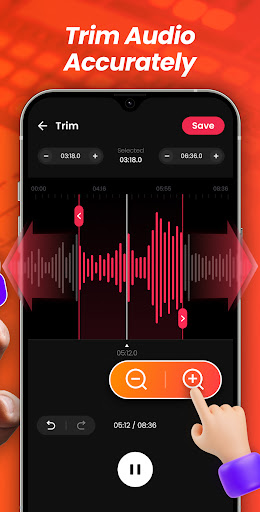
- Zoomable waveform for detailed adjustments
- Multiple trimming modes for customized cuts
- Seamless audio merging and transitions
- Fast, millisecond-level editing controls
Level 4:
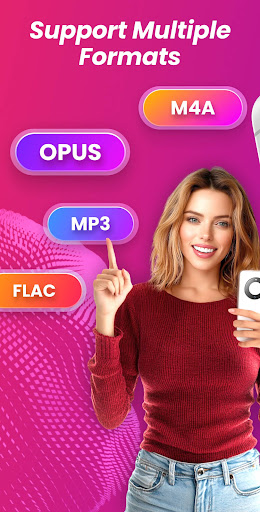
- Supports a wide range of audio formats for compatibility
- Future update includes ringtone creation and multi-track mixing
Pros
- +Intuitive User InterfaceThe app features a clean and easy-to-navigate layout, making it accessible for beginners.
- +Fast Processing SpeedCuts and edits are applied quickly, saving time during editing sessions.
- +Supports Multiple FormatsNot only MP3 but also WAV, AAC, and other audio formats are supported for versatile editing.
- +Precise Cutting ToolsOffers zoom-in functionality to allow accurate trimming down to the millisecond.
- +Customizable Export SettingsAllows users to tweak bitrate and sample rate to optimize audio quality.
Cons
- -Limited Editing FeaturesAdvanced editing options like effects or multi-track support are missing, which may restrict professional users.low
- -Occasional Export Quality LossSome users report minor quality degradation after exporting, which might be mitigated by adjusting output settings.medium
- -Ads Disrupt WorkflowFree version includes ads that can interrupt editing; upgrading to premium can alleviate this.low
- -Limited File ManagementThe app lacks advanced file management, requiring manual organization by users outside the app.low
- -No Batch ProcessingEditing multiple files simultaneously is not supported, but this is a common feature in more advanced editors; future updates may address this.medium
FAQ
How do I install and set up the Audio Editor, MP3 Cutter app on my device?
Installing this mobile app is straightforward—simply find it on the Google Play Store or Apple's app store, and follow the usual installation steps. The app features an intuitive interface that makes setup quick and easy.
Once installed, open the app and grant necessary permissions like access to your storage. This app-based solution is designed to provide a smooth user experience, whether you're editing audio clips or cutting MP3 files on your Android device.
Is the Audio Editor, MP3 Cutter app safe to use?
Yes, this Android app is developed by a reputable team and is available on official stores, ensuring the safety of your device and data. It adheres to standard security practices, so your privacy remains protected.
Always keep your app updated to benefit from the latest security features. As a trusted app-based solution in the music and audio category, it provides reliable performance and trustworthy features for all users.
What features does the Audio Editor, MP3 Cutter app offer?
This app includes key features such as trimming audio files, cutting MP3s, merging clips, and adjusting volume. Its user-friendly interface makes editing simple, even for beginners, providing an enjoyable app experience.
The app features are designed to satisfy both casual users and those needing more advanced editing options. It functions well as a launcher app for audio projects, allowing you to organize and manage your audio content efficiently.
Can I use the app on my device without an internet connection?
Yes, once the app is installed on your Android device, you can use its core features offline. This offline access makes it a convenient app-based solution for editing audio files anytime, anywhere.
The app experience remains seamless without an internet connection, which is ideal for on-the-go editing, especially in situations where internet access is limited or unavailable.
Are there different versions of the Audio Editor, MP3 Cutter app for various devices?
This mobile app is specifically designed for Android devices, ensuring compatibility and optimized performance. It is available on the Google Play Store, providing a reliable app experience across various Android versions.
The app functions as a versatile launcher app for managing and editing audio files on Android, making it suitable for different types of devices and user needs.
How user-friendly is the Audio Editor, MP3 Cutter app for beginners?
The app features an intuitive interface that makes editing audio files straightforward, even for those new to audio editing. Clear labels and simple controls help you achieve professional-sounding results quickly.
Its app features are designed to deliver a smooth app experience, minimizing learning curves while maximizing functionality for users at all skill levels.
Does the app support multiple audio formats?
Yes, this app-based solution supports common audio formats like MP3, WAV, and others, making it versatile for various editing needs. Its app features include converting and editing multiple file types efficiently.
Whether you're trimming a song or merging audio clips, the app provides a reliable experience, ensuring compatibility across formats while maintaining sound quality.
What is the overall app experience like with Audio Editor, MP3 Cutter?
User feedback highlights that this mobile app offers a smooth and enjoyable app experience with fast processing and clear results. Its features are thoughtfully designed to meet the needs of both casual users and professionals.
As a trusted app-based solution, it makes editing audio on your Android device simple, efficient, and reliable, enabling you to create and modify audio content easily wherever you are.





