

AI Passport & ID Photo Maker
the AI Passport & ID Photo Maker app to easily create compliant passport, visa, and ID photos. Free now for quick, professional results!
Screenshots
Download AI Passport & ID Photo Maker
You are going to be redirected to the official website to finish the download when you click the button below.
About AI Passport & ID Photo Maker
AI Passport & ID Photo Maker is a user-friendly mobile app designed to help individuals create professional-quality passport and ID photos with ease. As an efficient Android app, it offers a seamless app experience by utilizing advanced AI-based solutions to enhance photo quality, adjust sizing, and ensure compliance with official standards. Whether you need a quick, perfectly formatted ID photo or a convenient app-based solution for photo editing, this app is built to meet your needs with reliability and accuracy.
Overview
Core Features
- The app features a user-friendly interface for quick and easy photo editing tailored for passport and ID photos.
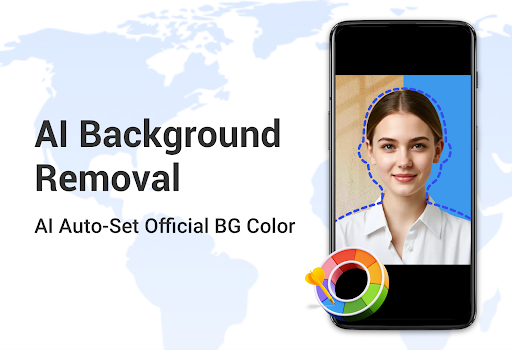
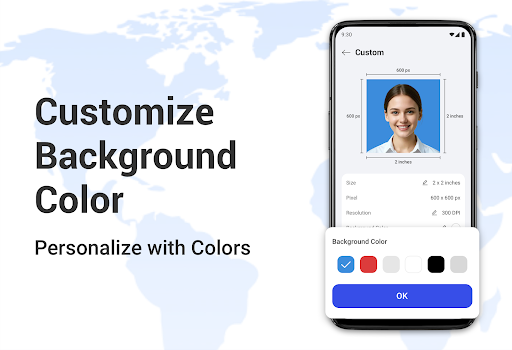
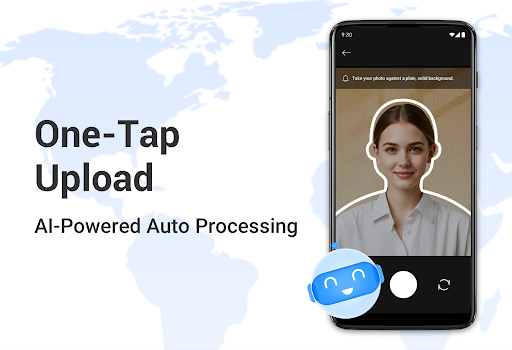
- Includes automatic background removal and filling, ensuring a clean, professional look compliant with official standards.
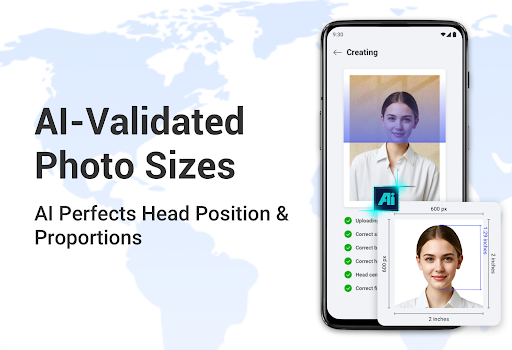
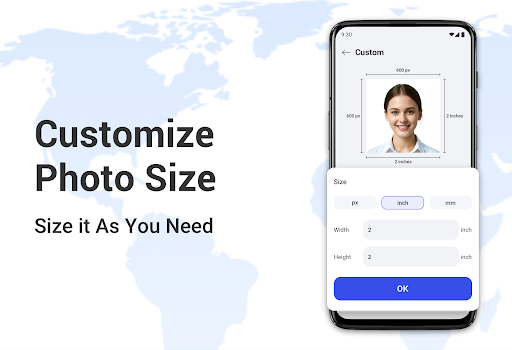
- Offers multiple resizing options to match different country passport photo size requirements accurately.
- Supports batch editing, allowing users to process multiple photos at once for convenience and efficiency.
- Provides real-time preview so users can see changes immediately, enhancing the overall app experience.
- Built-in templates and guides help users capture correct photos directly from their mobile device.
- Offers cloud storage integration for saving and accessing photos securely, making it a reliable app-based solution.
- The app's features are optimized for Android app performance, ensuring smooth and fast operation on various devices.
Who This App Is For
This photography mobile app is perfect for individuals who need quick and easy passport or ID photos, whether for travel, visas, or official documents. It serves a wide age range, from teenagers to adults, who want professional results without visiting a studio.
Whether you're preparing documents for immigration, renewing IDs, or creating photos for visas, this app-based solution simplifies the process. Its intuitive design makes it a go-to choice for users seeking reliable app features directly from their Android device.
Why Choose This App
This Android app stands out because it combines powerful app features with an intuitive interface, delivering a seamless user experience. It provides precise photo adjustments, ensuring compliance with official standards, making it a trusted choice.
By offering fast processing and reliable results, this app addresses common photo creation challenges effectively. Its focus on quality and user-friendly design makes it a leading launcher app for all your passport and ID photo needs.
Features
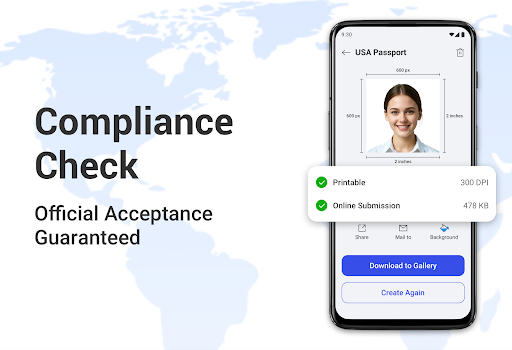
Automatic Compliance Checks for Official Photos
User-Friendly Selfie Capture with Instant Formatting
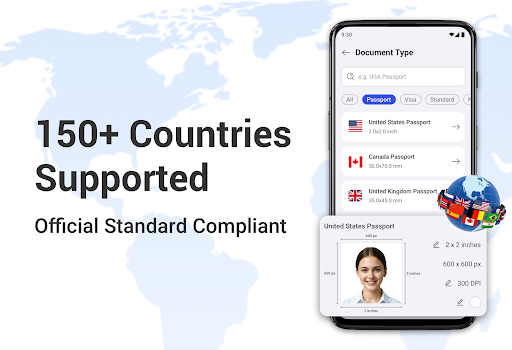
Extensive Support for 150+ Countries' Standards
Quick Download and Printing for Convenience
AI-Powered ID Card Photo Automation
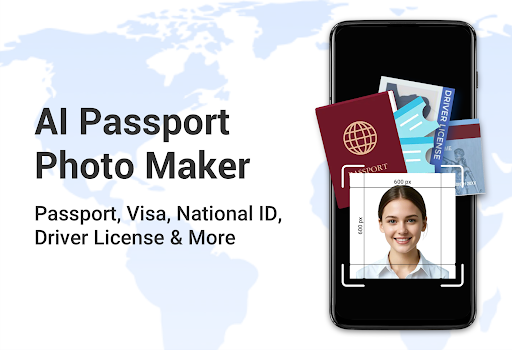
Seamless Visa Photo Preparation Assistance
Professional Profile Photo Enhancement Tool
Customizable Social Media Photo Creator
Pros
- +User-friendly interfaceThe app is easy to navigate, making photo editing simple even for beginners.
- +Automatic background removalEfficiently detects and replaces backgrounds, saving time and effort.
- +Multiple country templates supportedProvides a wide range of passport and ID photo templates suitable for different countries.
- +Real-time previewAllows users to instantly see how their photo will appear on official documents.
- +High-quality outputProduces clear, standard-compliant images suitable for official submissions.
Cons
- -Limited editing toolsAdvanced editing features like skin smoothing are absent, which may limit customization.Low
- -Occasional background removal errorsSometimes the app struggles with complex backgrounds, requiring manual adjustments.Medium
- -No direct submission featureUsers must manually upload images to official portals; future updates may include direct submission options.Low
- -Size and resolution constraintsImages need to meet specific requirements; the app provides guidelines but no automatic resizing for all standards.Medium
- -Limited language optionsInterface primarily in English, which may inconvenience non-English speakers; localization updates are expected.Low





