

AdventHealth
the AdventHealth app for easy access to appointments, medical records, telehealth, and more. Your trusted, free healthcare app. now!
Screenshots
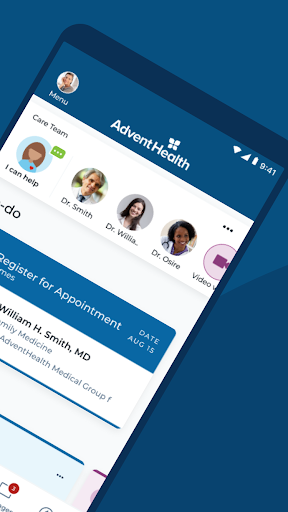
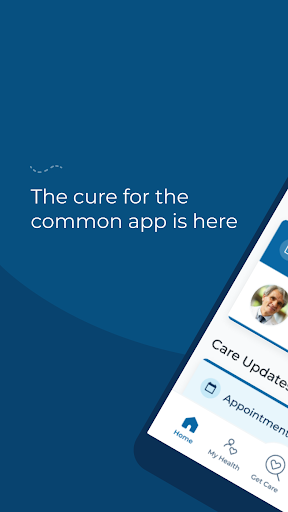
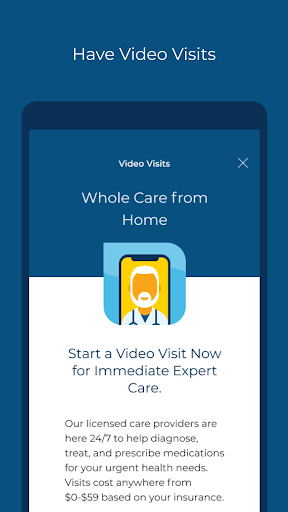
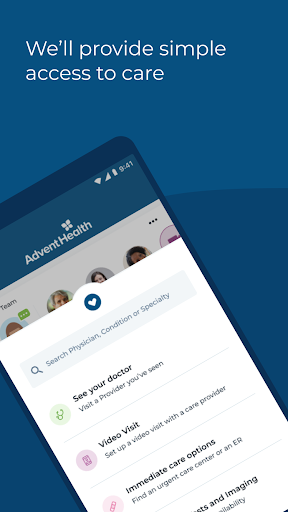
Download AdventHealth
You are going to be redirected to the official website to finish the download when you click the button below.
About AdventHealth
AdventHealth is a comprehensive mobile app designed to help patients and caregivers manage healthcare needs conveniently. Available on both Android and iOS devices, this app provides easy access to medical records, appointment scheduling, and health resources, delivering a user-friendly app experience to support your wellness journey.
Overview
Core Features
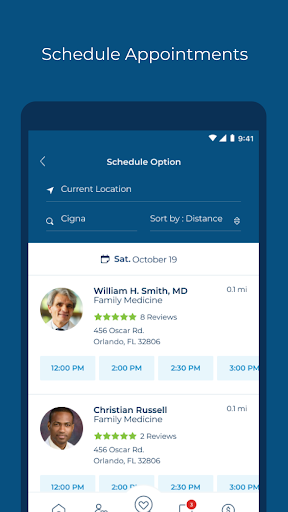
- The app features a comprehensive appointment scheduling system that allows users to book and manage visits easily.
- Real-time symptom tracking helps users monitor their health data and share updates with healthcare providers.
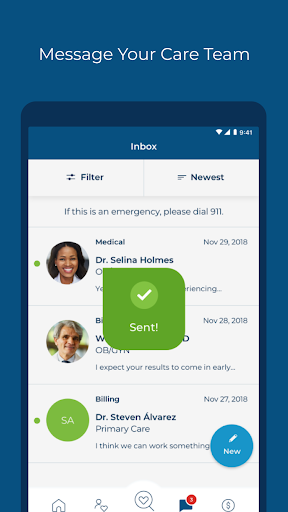
- Secure messaging enables confidential communication between patients and their healthcare team within the app.
- The app offers customizable medication reminders to enhance adherence to prescribed treatments.
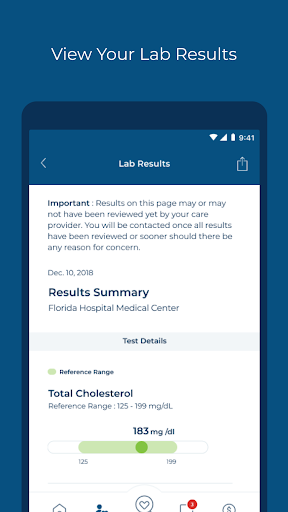
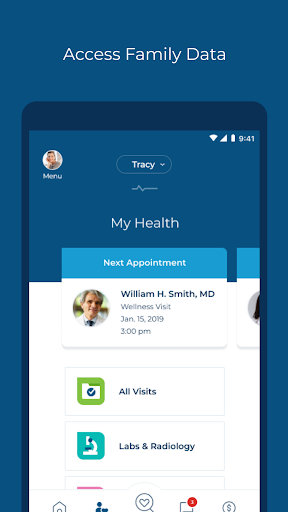
- Health record management provides quick access to medical history and test results anytime, anywhere.
- The app integrates telehealth features for virtual consultations, expanding care options from home or on the go.
- Push notifications keep users informed about upcoming appointments and health tips tailored to their needs.
Who This App Is For
This app is ideal for adults who want a convenient way to manage their healthcare, particularly those comfortable with using a mobile app for medical needs.
It's perfect for individuals looking for an app-based solution to streamline doctor visits, track health data, and stay connected with their healthcare providers in everyday scenarios.
Why Choose This App
This Android app offers a user-friendly interface combined with robust app features, making healthcare management more accessible and efficient.
Its comprehensive app experience and strong focus on security and convenience differentiate it from other medical apps, providing reliable support for your health needs at all times.
Features
Simplifies healthcare access and management
Instant virtual doctor consultations for convenience
Secure storage of all medical records
Easy appointment scheduling and reminders
Nearby healthcare facilities and providers
Health tracking and progress monitoring
Quick COVID status updates and alerts
Fast bill payment and medical expense tracking
Pros
- +User-friendly interfaceThe app is easy to navigate, allowing users to find their health information quickly.
- +Appointment scheduling featurePatients can book and manage appointments seamlessly through the app.
- +Access to medical recordsUsers can view their health history and test results in one secure platform.
- +Telehealth capabilitiesThe app supports virtual consultations, increasing convenience for users.
- +Medication managementFeatures like refill requests and medication reminders improve medication adherence.
Cons
- -Limited allergy and health condition trackingThe app currently lacks detailed tracking for allergies or chronic conditions, which could enhance personalized care.medium
- -Occasional app crashes during bookingUsers have reported occasional crashes when scheduling appointments; restarting the app or reinstalling may help temporarily.medium
- -Limited language optionsCurrently available only in English, which may limit accessibility for non-English speakers; future updates are expected to include multiple languages.low
- -Notification settings can be improvedSome users find the notification preferences somewhat limited; official updates are anticipated to enhance customization.low
- -Inconsistent synchronization with wearablesIntegration with fitness devices is occasionally delayed; users may need to manually sync data until further improvements.low





