
3D Battery Charging Animation
Transform your charging screen with 3D Battery Charging Animation, featuring vivid 4K animations, wallpapers, and sounds. now for a personalized experience!
Screenshots
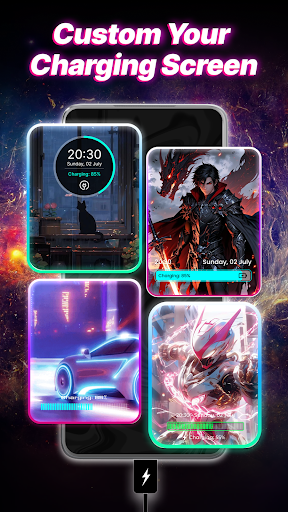
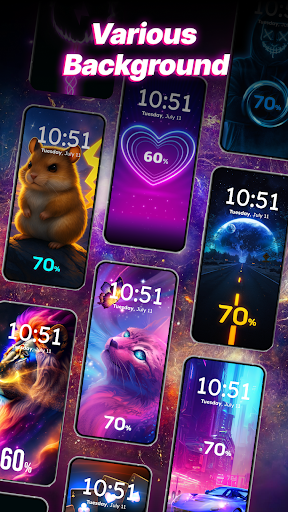
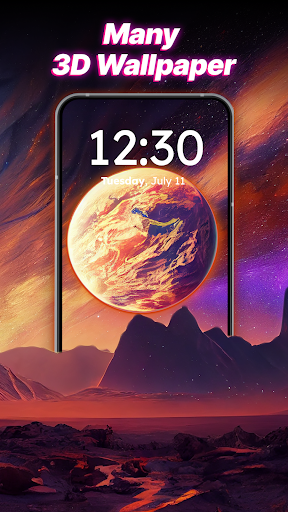
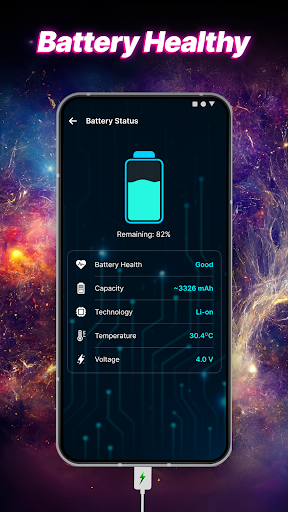
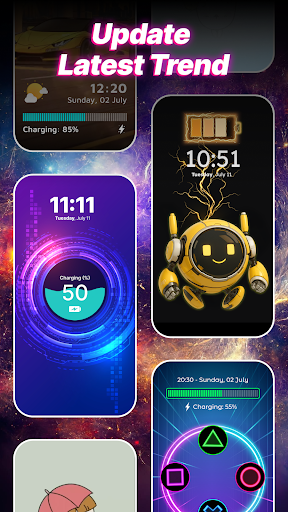
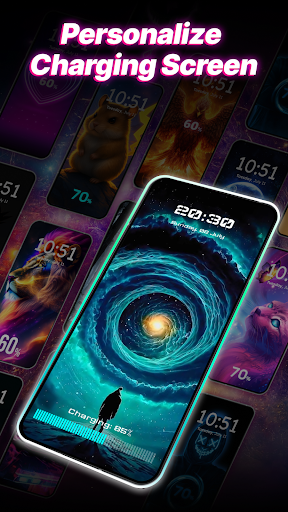
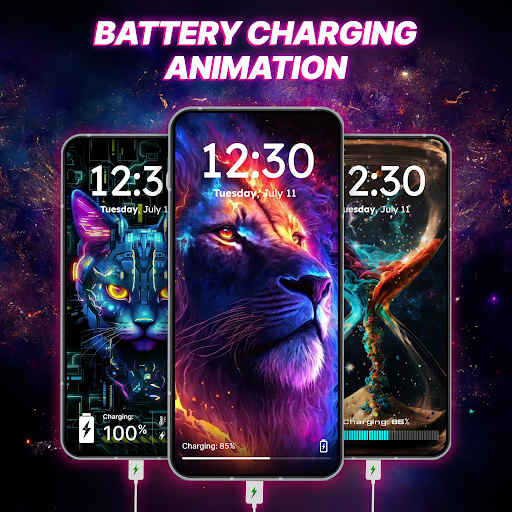
Download 3D Battery Charging Animation
You are going to be redirected to the official website to finish the download when you click the button below.
About 3D Battery Charging Animation
3D Battery Charging Animation is a personalisation mobile app designed to enhance your device's appearance with dynamic charging animations. This Android app provides a variety of visually appealing 3D effects that animate during your phone's charging process, creating a more engaging user experience. Its main functionality focuses on transforming the standard charging screen into an eye-catching display, making it a popular launcher app for users who want to customize their device easily and creatively.
Overview
Core Features
- The app features several dynamic 3D battery charging animations that customize your lock screen or home screen.
- It provides a variety of animation styles, allowing users toChoose from sleek, modern designs or more playful visuals.
- The app includes a built-in wallpaper option, enabling users to set animated battery visuals as live wallpapers for a personalized look.
- Real-time animation updates display battery level changes, enhancing the overall app experience with visual feedback.
- The app supports easy customization of animation speed, color themes, and effects to suit individual preferences.
- It offers an offline mode, ensuring you can enjoy the app features without needing an internet connection.
- Designed as a launcher app, it seamlessly integrates with your device's interface, providing a consistent visual upgrade.
Who This App Is For
This mobile app is ideal for Android users who love personalizing their devices and want a unique charging experience. It appeals to tech enthusiasts, teenagers, and anyone looking to add a bit of flair to their phone's appearance.
Whether you use your phone for gaming, social media, or work, this app-based solution enhances the visual aspect of your device, making charging moments more enjoyable. It's perfect for users seeking a fun, engaging launcher app with creative app features that boost personalization.
Why Choose This App
This Android app stands out for its rich collection of customizable 3D battery animations, delivering an engaging app experience. It offers a reliable, app-based solution that transforms how you see charging and device personalization.
With its user-friendly interface and versatile features, it effectively addresses the common desire for more aesthetic and interactive device customization. Its seamless integration as a launcher app makes it a top choice for users wanting both style and functionality in their mobile app experience.
Features
Personalized 3D Battery Charging Animations for Visual Enhancement
Stunning 4K Visual Effects for Captivating Charging Screens
Customizable Wallpapers and Artistic Backgrounds for Style Expression
Immersive Charging Sounds for Sensory Engagement
User-Friendly Interface for Easy Personalization
Efficient Performance for Battery Conservation
Full Charge Alerts for Battery Health Management
Vibrant Animations and Wallpaper Library for Unique Expressiveness
Pros
- +Visually appealing 3D charging animationProvides an engaging and modern visual experience that enhances user interaction.
- +Customizable animation stylesAllows users to select from various animation effects to personalize their charging screen.
- +Smooth and responsive interfaceEnsures seamless animation performance even on mid-range devices.
- +Easy to set upSimple installation process suitable for users of all technical levels.
- +Battery status display integrationDisplays real-time battery percentage alongside animations for better usability.
Cons
- -High battery consumption during animationThe animated effects may slightly drain battery life, especially on older devices.medium
- -Limited free customization optionsSome advanced animation styles require in-app purchases, which might deter some users.low
- -Inconsistent performance on very low-end devicesAnimations may stutter or lag on older or less powerful smartphones; users can try reducing animation complexity.medium
- -Potential for slight delay in battery status updatesBattery percentage display might not update in real-time; users can refresh the app or restart to improve accuracy.low
- -Some animations may not match all screen resolutionsScaling issues could lead to visual glitches on certain device models; official updates are expected to improve compatibility.low
FAQ
Is the 3D Battery Charging Animation app safe to use on my Android device?
Yes, the 3D Battery Charging Animation app is designed with safety in mind. It comes from a reputable developer and has been tested to ensure it doesn't pose any security risks to your Android device.
Always make sure to download apps from trusted sources like the Google Play Store. Staying updated and reviewing permissions can also help maintain your device's safety when using this app-based solution for customizing your phone's charging animations.
How do I set up the 3D Battery Charging Animation app on my Android device?
Getting started with the 3D Battery Charging Animation mobile app is straightforward. Once installed, you can access its customizations directly within your device's settings or through a launcher app that supports live charging wallpapers.
The app features include easy-to-use options to select different animations, allowing you to personalize how your battery charges. It offers an enhanced app experience by making charging visuals more engaging and unique.
What are the main features of this app?
The 3D Battery Charging Animation app offers a variety of animated visuals that activate while your device is charging. The app features include customizable animations, smooth transitions, and an intuitive interface that simplifies personalization.
Furthermore, as an app based solution, it integrates seamlessly with your device, providing an immersive app experience that caters to users looking to give their Android device a distinctive look during charging sessions.
Will using this launcher app affect the performance of my phone?
Usually, the 3D Battery Charging Animation app is lightweight and designed to minimize impact on your device's performance. However, excessive use of animation features or running multiple live wallpapers can potentially slow down some phones.
For the best app experience, ensure your device meets the recommended specifications and keep your system updated. Proper app management helps maintain smooth performance while customizing your Android device.
Is it difficult to uninstall or disable this app if I no longer want it?
Uninstalling or disabling the 3D Battery Charging Animation app is simple and similar to managing any other Android app. You can do this through your device's app settings without complications.
Disabling it temporarily will stop animations without removing the app, whereas uninstalling completely will free up storage space and ensure it no longer runs in the background.





